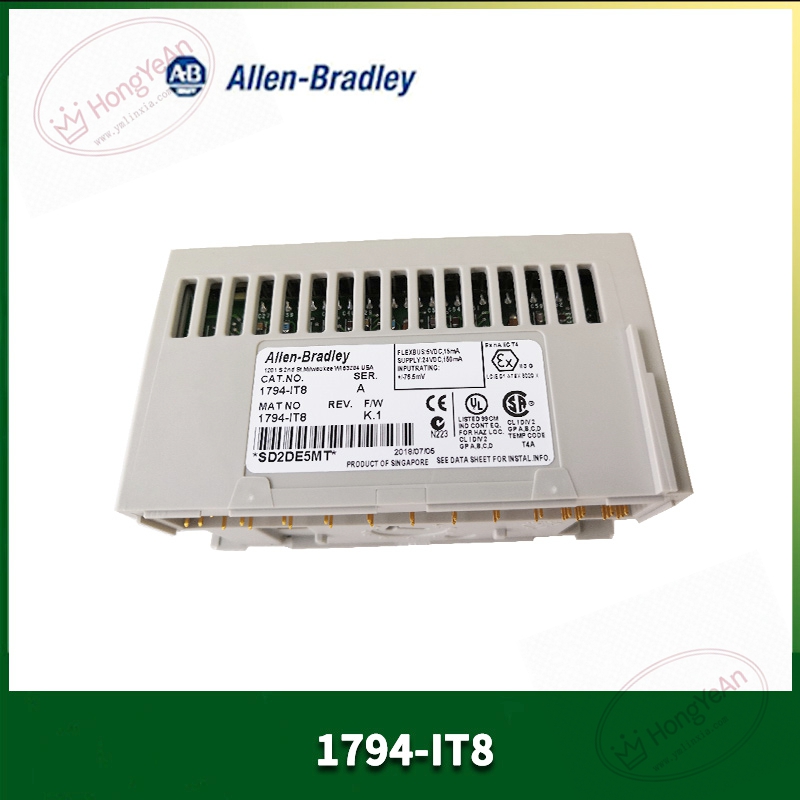
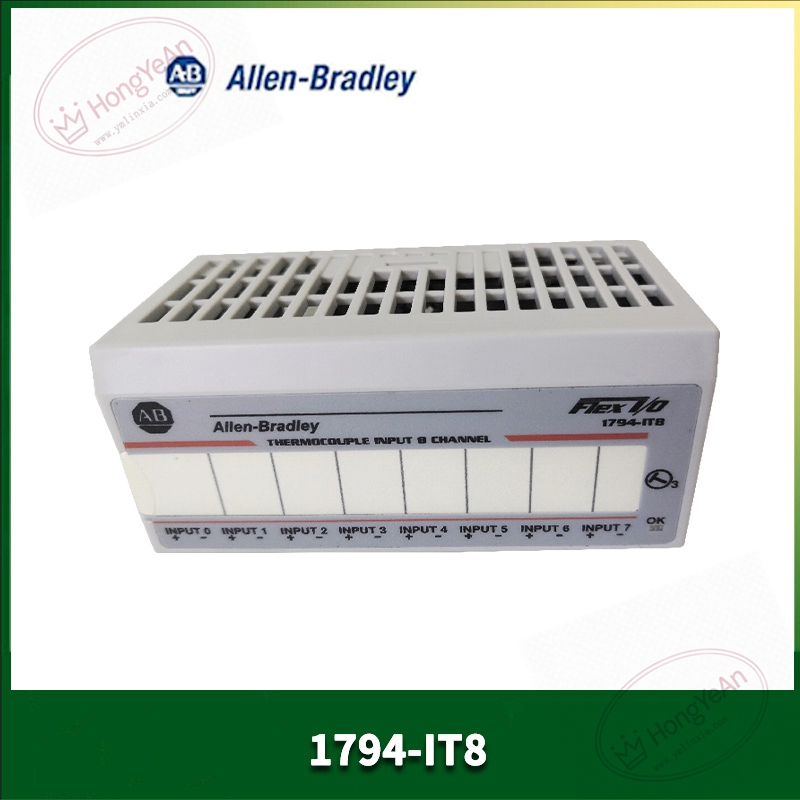
Description
Core performance features
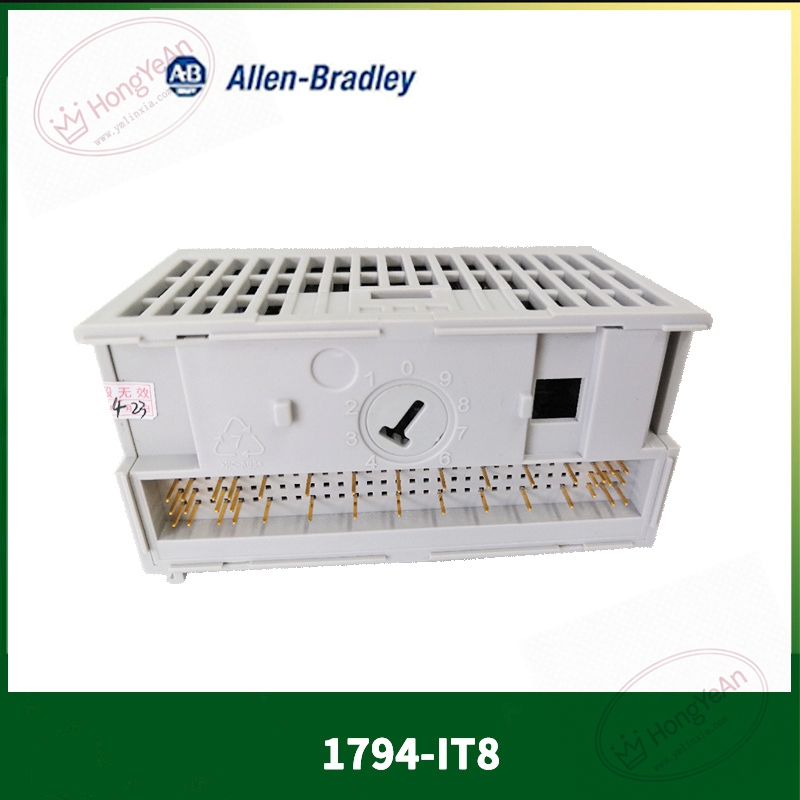
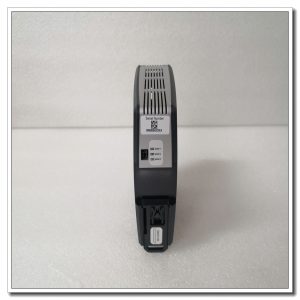
This controller fits inside compact rack slots and draws power from rack backplane. It processes logic programs, handles real‑time I/O data exchange with local and remote I/O hardware. On‑board memory stores application program, configuration parameters and historical fault logs. Backup memory safeguards key data when rack power supply is cut off. LED indicators visually display running status, bus activity and internal error conditions. Comes with integrated communication interfaces for connecting to HMI, upper monitoring host and third‑party field devices. Supports project download, online monitoring and fault diagnosis via configuration software tool. Working temperature range 0℃‑60℃, IP20 protection standard, for cabinet‑internal installation only. Different firmware revisions shall match whole control system requirements.
On‑site application scenarios
Commonly used in machinery manufacturing, material handling and small‑medium process automation cabinets. Takes charge of equipment sequence logic, interlock protection and simple closed‑loop adjustment. When on‑site CPU hardware fails, replacing this unit can restore system operation. After swapping hardware, program and parameter backup files need to be downloaded, no large‑scale modification for peripheral I/O wiring is required. Suitable both for new cabinet configuration and emergency spare‑part reserve for operating equipment.
Installation & operating notes
Cut off rack power before removing or inserting module. Hot‑swap is not supported for this hardware. Check rear backplane connector for dirt, bent pins or oxidation before installation. Ensure module is fully locked into rack slot. Confirm firmware revision matches other hardware in the system. Version inconsistency may trigger bus communication anomaly or partial‑function loss. Complete program backup before hardware replacement. After installation, download program and carry out logic simulation test before putting into real production. Maintain good cabinet ventilation. Dust accumulation on connectors will lead to unstable data interaction. Do not take apart module housing on‑site; perform whole‑unit replacement upon permanent hardware damage.
Common field phenomena & disposal thoughts
- Run indicator stays off after rack power‑on: Check backplane power supply output. Re‑seat the CPU module. If power input is normal, internal hardware damage should be suspected.
- Fail to communicate with HMI or upper host: Check network cable and switch port status. Verify station address and communication timeout parameters. Eliminate heavy network broadcast load.
- Cannot download project program: Confirm engineering tool software version compatibility. Inspect physical communication link. Check whether module is under hardware‑lock state.
- Intermittent bus communication error: Check rack locking condition and connector cleanliness. Monitor cabinet ambient temperature to avoid over‑heating.
- Logic execution abnormal after replacement: Confirm complete program download, verify configuration of I/O mapping and system resource parameters.
-300x300.jpg)

Reviews
There are no reviews yet.