

Description

Technical background & performance features
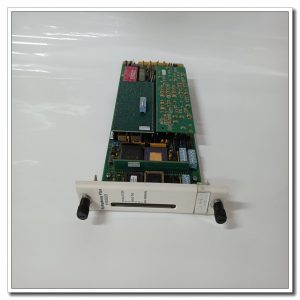
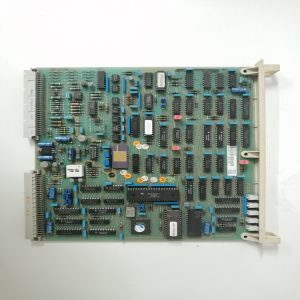
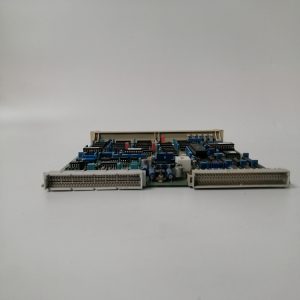
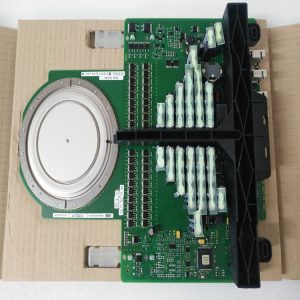
Rack‑mount plug‑in structure, part number DSMB‑01C. Responsible for program and parameter storage for drive controller. Data communication completed through chassis internal backplane bus. Working power supplied by control rack back‑plane circuit. Front‑panel LED indicators show module running status and fault prompts. Installation requires non‑condensing cabinet‑inner environment. Spare parts should be kept dry, avoid mechanical shock and static‑electric damage. Cannot run independently, must cooperate with matched main control board and rack hardware. Parameter backup is required before replacement. Firmware revision shall match whole drive system. Hot‑swap under powered condition is not allowed.
Typical application scenarios
Mainly applied in ABB legacy drive cabinet maintenance and retrofit projects. It undertakes storage of motor parameters, control logic and fault record data, supporting normal startup and operation of the whole drive device.
On‑site installation points to note
Disconnect all equipment power supply before disassembly or installation. Follow anti‑static protection requirements when handling circuit board, prevent scratch on PCB surface. Insert module into specified slot and lock firmly to maintain reliable backplane contact. Visually check board for scratches, burnt components and abnormal solder joints before power‑on. Complete parameter backup from original unit before replacement. After hardware installation, download corresponding program and parameters to new memory board. Restore power supply step‑by‑step and verify controller startup status. Ensure cabinet ventilation condition, high temperature will accelerate aging of memory chip.
Common on‑site phenomena and analysis ideas
If all LED indicators remain unlit, check rack back‑plane power supply loop, exclude slot pin contamination or internal power‑circuit damage. When controller reports memory read‑write fault, confirm board contact condition, parameter integrity and version compatibility. Abnormal startup or parameter loss after power‑off: focus on memory board fault or backup battery aging. If host cannot recognize this memory unit, check slot position and matching degree of system firmware. After surge fault occurs on site, replace DSMB‑01C, meanwhile check main control board for secondary damage.
Reviews
There are no reviews yet.