Description
Technical background & performance features
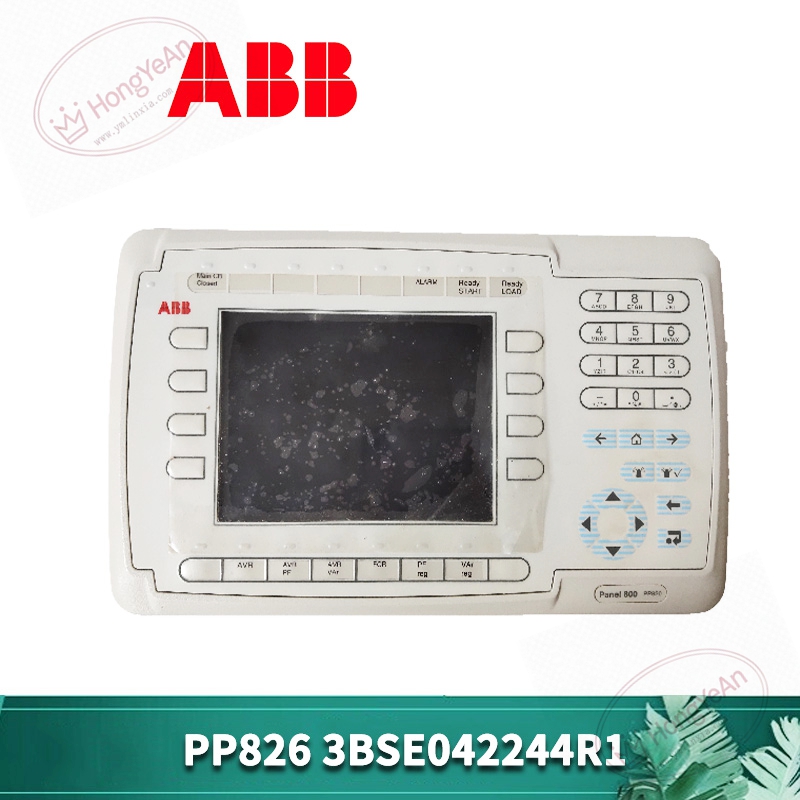
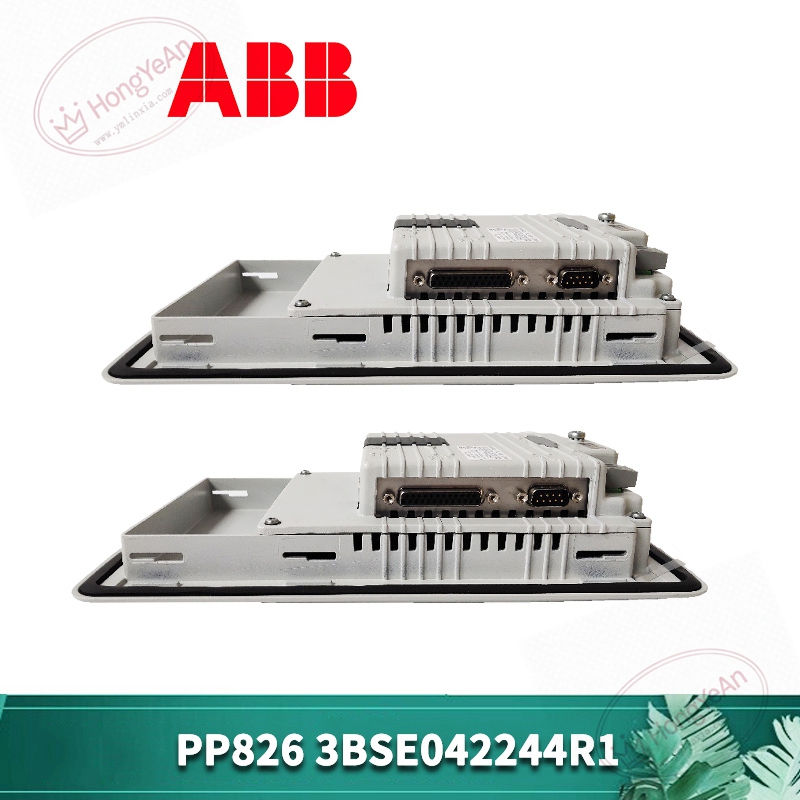
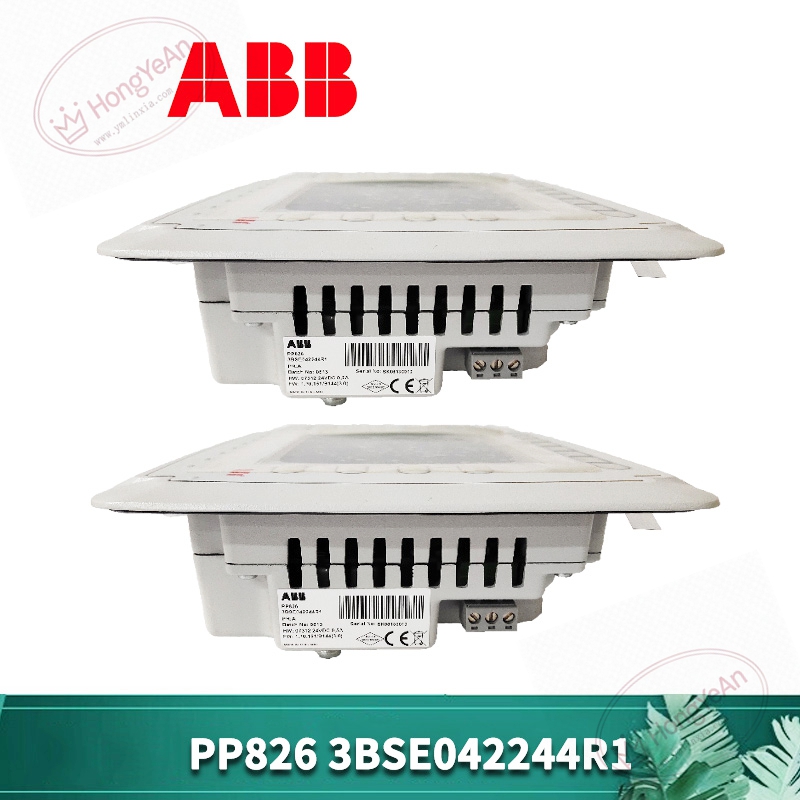
Integrated touch screen unit, part number PP826, material code 3BSE042244R1.
Industrial‑grade touch display, supports real‑time process picture display, alarm prompt and parameter input operation.
Communicates with AC800M controller through industrial Ethernet.
Comes with built‑in operation system, configuration picture stored inside local storage.
Working power: 24VDC external power supply. Front‑panel status LED reflects power‑on condition and communication state.
Installed in control cabinet door, non‑condensing environment required. Spare parts keep dry, avoid mechanical shock and static damage.
Cannot work standalone, needs matching ABB controller and completed HMI project file. Recalibration of touch screen needed after replacement.
Typical application scenarios
Mainly used in power‑plant control room, chemical process monitoring workstation and other 800xA platform projects.
Operators can check real‑time process value, view fault alarm records and complete manual intervention control on this touch panel.
On‑site installation points to note
Cut off 24VDC power before disassembly and installation.
Take anti‑static measures during handling screen assembly.
Fix panel on cabinet door according to installation dimension requirement.
Arrange Ethernet signal cable away from high‑power cables to prevent interference.
Check screen surface and connector for damage before power‑on.
Import matching HMI project file after hardware replacement, finish touch calibration.
Power‑on and verify picture loading, data refresh and touch response function.
Ensure surrounding ventilation, long‑term high temperature will shorten touch screen service life.
Common on‑site phenomena and analysis ideas
Screen no display: Check external 24VDC power supply and terminal wiring tightness.
Screen display normally but touch no response: Troubleshoot touch calibration setting, connector contact or touch layer damage.
Data does not refresh or communication break: Inspect Ethernet cable, switch port status and controller communication status.
Frequent picture crash: Focus on project file abnormality or internal storage component ageing.
After site surge fault: Replace PP826‑3BSE042244R1 touch panel, check Ethernet communication circuit for secondary damage.
Reviews
There are no reviews yet.