Description
 Technical background & performance features
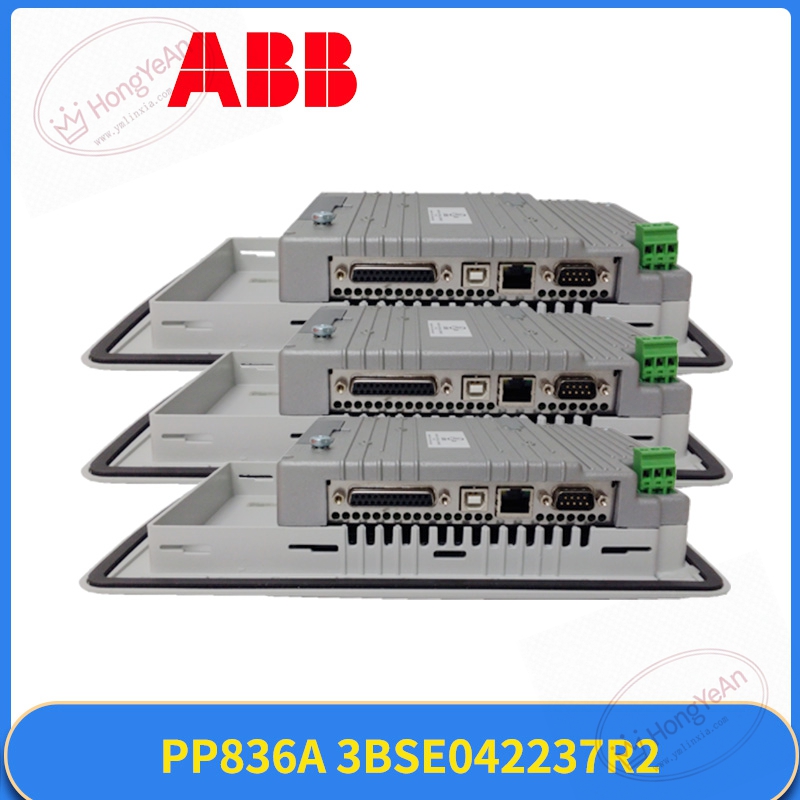
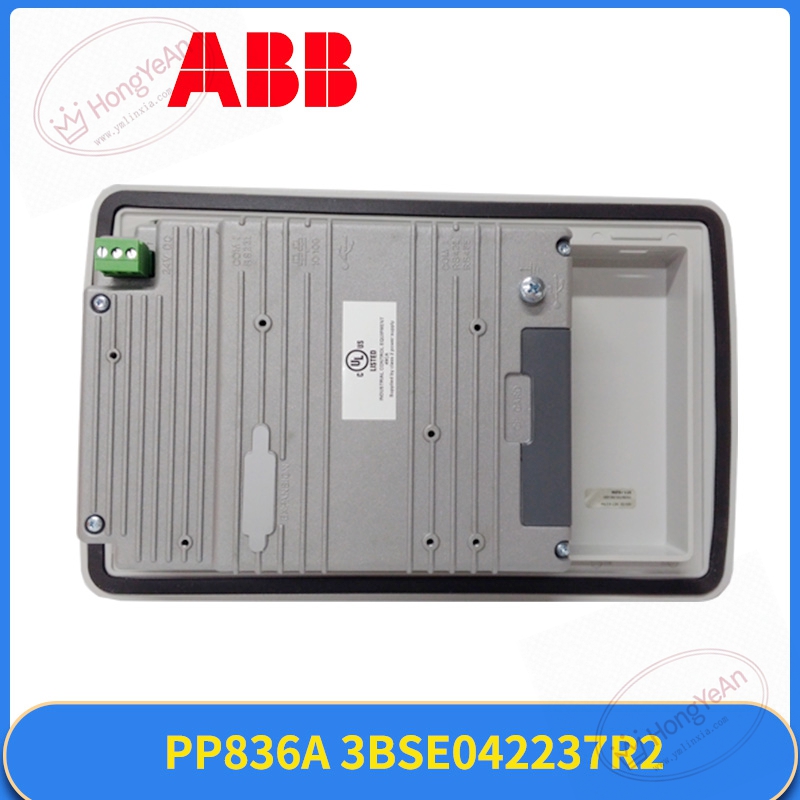
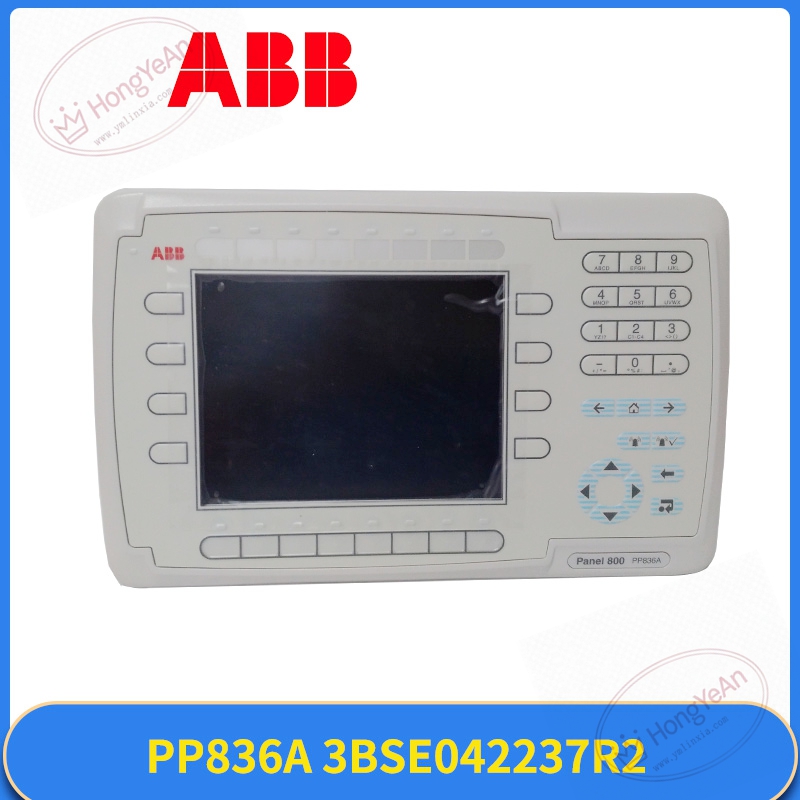
Front‑recess mounting structure, part number PP836A, material code 3BSE042237R2.
6.5‑inch color display, combined with physical function keypad, front face IP65 protection grade.
Communication ports include Ethernet, RS232 and RS485 for docking with controller and peripheral devices.
Power requirement: external 24 VDC supply. LED status lights indicate power condition and communication link.
Local storage holds HMI project files and operation log records.
Install inside non‑condensing industrial cabinet. Spare parts need dry storage; avoid heavy vibration and static discharge.
Cannot work without matched ABB controller and complete HMI project. Parameter download is mandatory after hardware swap. Hot‑swap under power is not allowed.
Typical application scenarios
Commonly seen in power‑plant auxiliary control rooms and chemical process workshops.
Suited for sites with heavy dust or mechanical vibration where touch‑screen devices are prone to damage.
It visualizes pressure, temperature and flow data, supports alarm handling and manual loop intervention.
On‑site installation points to note
Cut off 24 VDC power before removing or installing the panel.
Carry out anti‑static protection when handling hardware.
Fix panel into cabinet door cut‑out following dimension drawing.
Separate communication signal cables away from high‑power motor cables to reduce interference.
Visually check display and connector for damage before power‑on.
Upload corresponding HMI project to new hardware after installation.
Power‑on and test key response, picture loading and real‑time data refresh.
Maintain cabinet cooling; sustained high temperature will shorten display service life.
Common on‑site phenomena and analysis ideas
No backlight on screen → Check 24VDC power input and terminal screw tightness.
Display normal but keypad no reaction → Inspect internal connector contact or keypad membrane wear.
Data stop updating / communication break → Troubleshoot Ethernet cable, switch port status and controller side configuration.
Intermittent screen flicker → Usually caused by unstable power supply or cabinet over‑temperature.
Hardware failure after site surge → Replace PP836A‑3BSE042237R2, check network circuit for secondary damage.
Reviews
There are no reviews yet.