Description
Core performance features
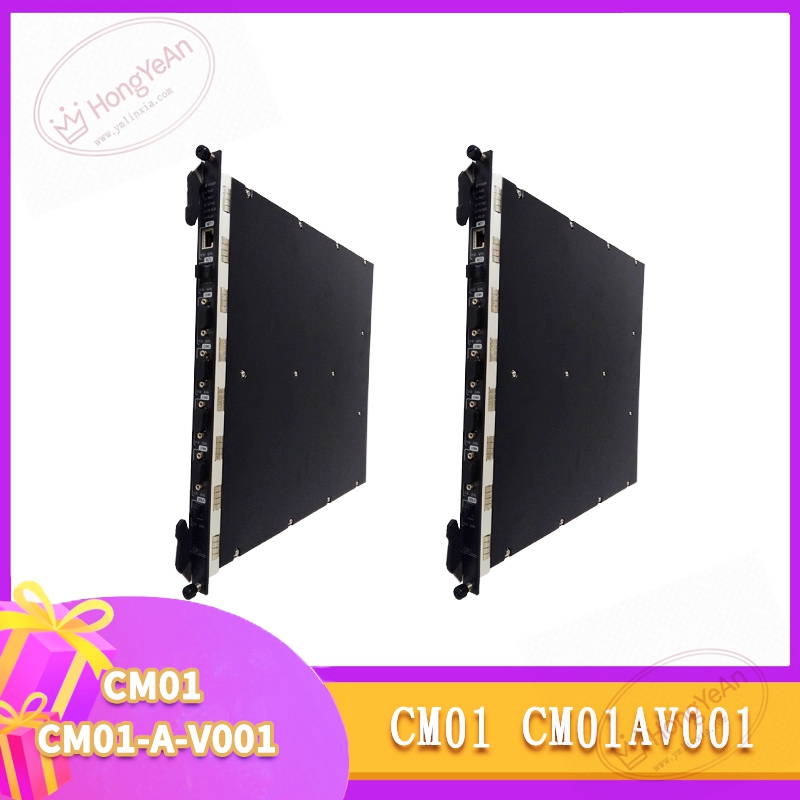
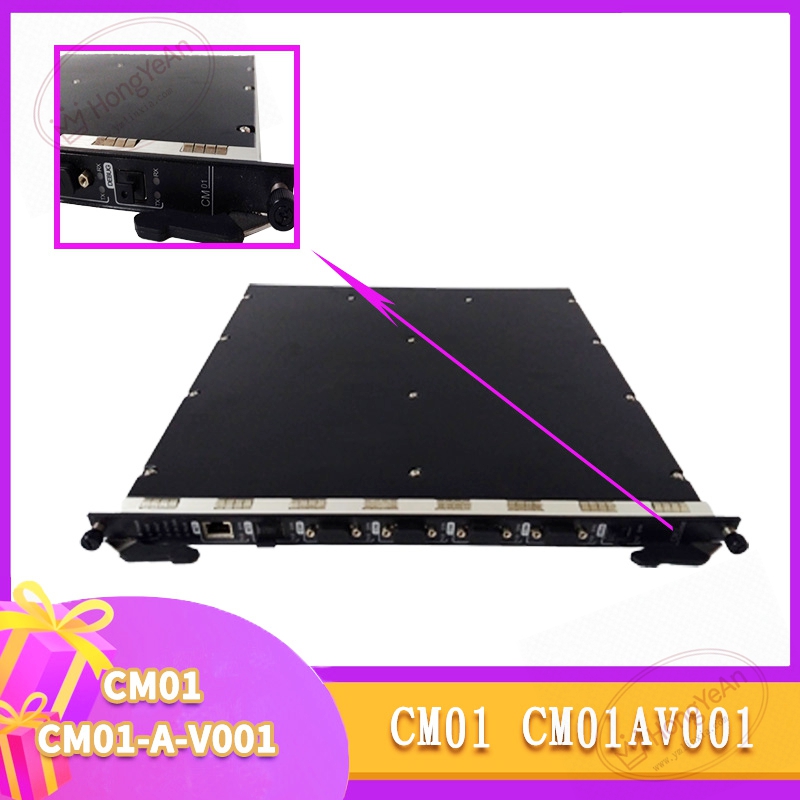
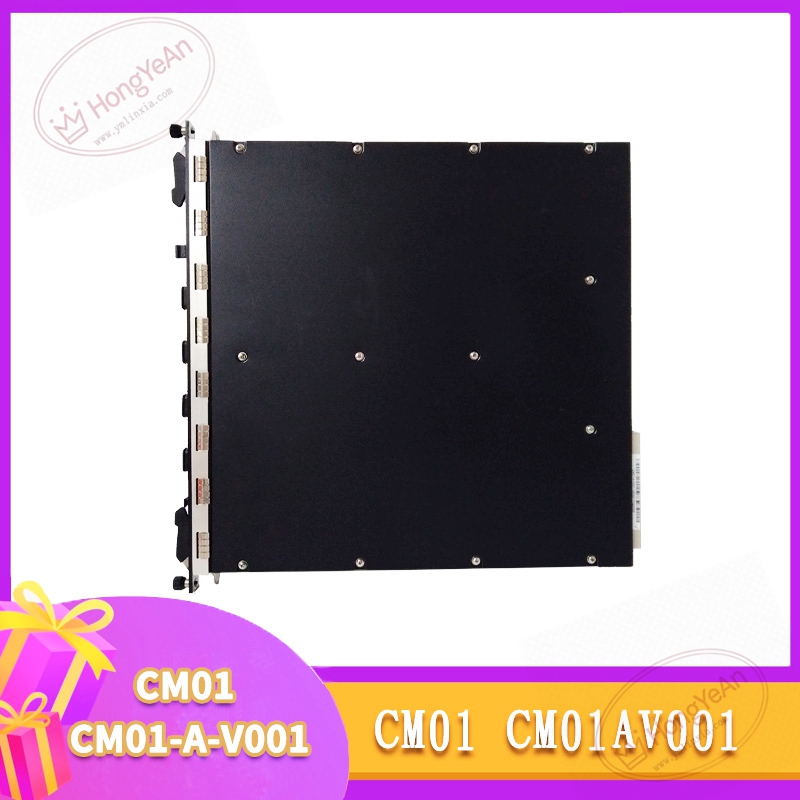
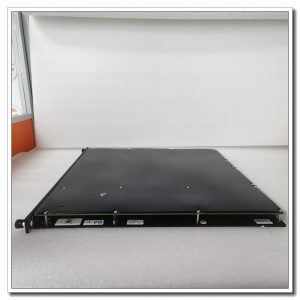
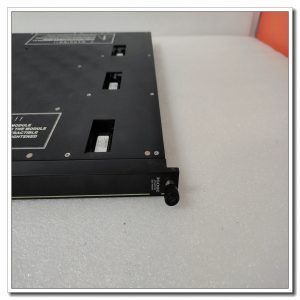
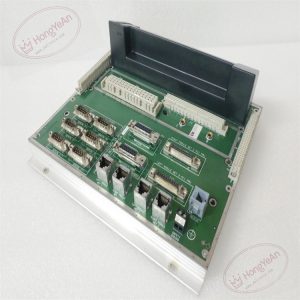
This slot‑mount module fits into Tricon safety controller racks and draws power from the rack backplane. Triple‑modular redundant circuitry runs three independent processing channels simultaneously to enhance system fault‑tolerance. It forwards internal bus data between main CPU and remote I/O units. Front‑panel LED lamps display operating health, bus traffic and internal hardware faults. Hot‑swap replacement is allowed during system operation; module can be swapped without shutting down the entire safety system. On‑board self‑diagnosis continuously monitors channel conditions and raises alarms for communication anomalies and hardware failures. Operating temperature: 0‑60℃, IP20 rating, for indoor cabinet‑mount use only. Compatible with Tricon v10 / v11 systems and works with MP3008, MP3009, MP3018 main processor boards.
On‑site application scenarios
Primarily deployed in petrochemical and power‑plant SIS safety cabinets. It acts as essential intermediate communication hardware for safety control loops. Failure of this module interrupts data transmission between controller and I/O stations and may trigger system safety interlock. It serves as critical maintenance spare for legacy Tricon safety‑system overhauls. No safety‑logic program modification is required after hardware replacement. Only bus‑communication status verification and function check are needed before returning to service.
Installation & operating notes
Even though hot‑swap is supported, minimize frequent plug‑pull operations while the system runs to preserve backplane‑connector contacts. Inspect rear golden‑finger contacts for dust, oxidation or mechanical damage before installation. Make certain the module is fully latched inside its rack slot. Confirm firmware revision matches the rest of the Tricon system. Version mismatch leads to bus‑communication breakdown. Maintain adequate cabinet ventilation. Dust buildup on connectors produces intermittent communication errors. Do not open module housing on‑site; replace the complete unit when permanent hardware damage occurs.
Common field phenomena & disposal thoughts
- Module status LED remains off after rack power‑on: Check rack backplane 24VDC power. Re‑seat the module. If power supply is normal, internal hardware damage is suspected.
- I/O station offline alarm appears: Inspect module bus‑contact condition. Verify firmware compatibility between CM01‑CM01‑A‑V001 and main CPU.
- Intermittent communication dropout: Check rack mounting tightness and cabinet ambient temperature. Rule out vibration‑induced poor backplane‑contact performance.
- Persistent internal‑fault alarm: Retrieve diagnostic codes via engineering software. Eliminate external interference sources. Replace with spare module if alarm cannot be cleared.
Reviews
There are no reviews yet.