Description
Physical appearance
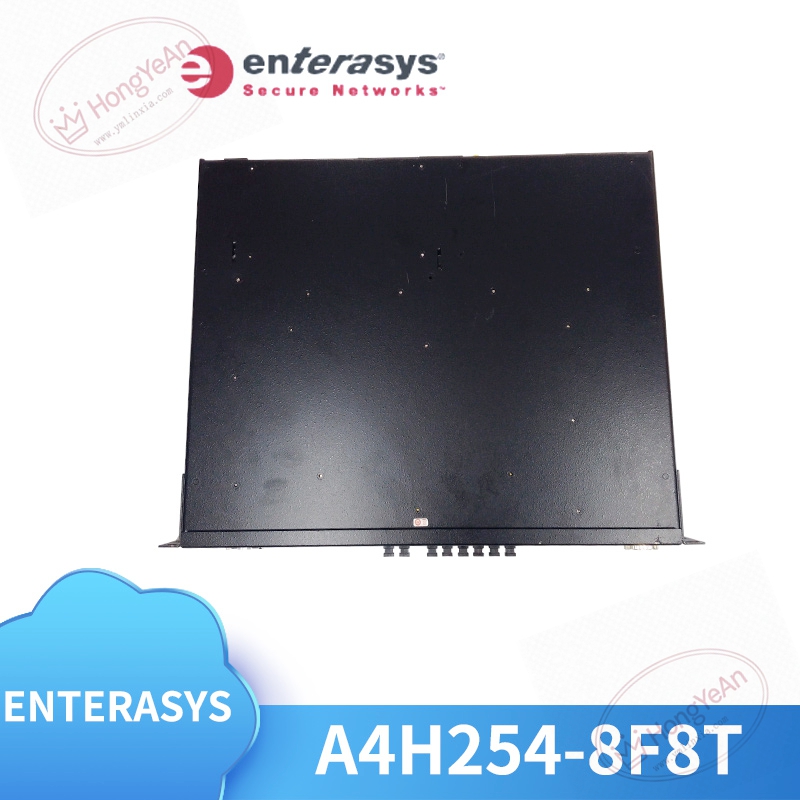
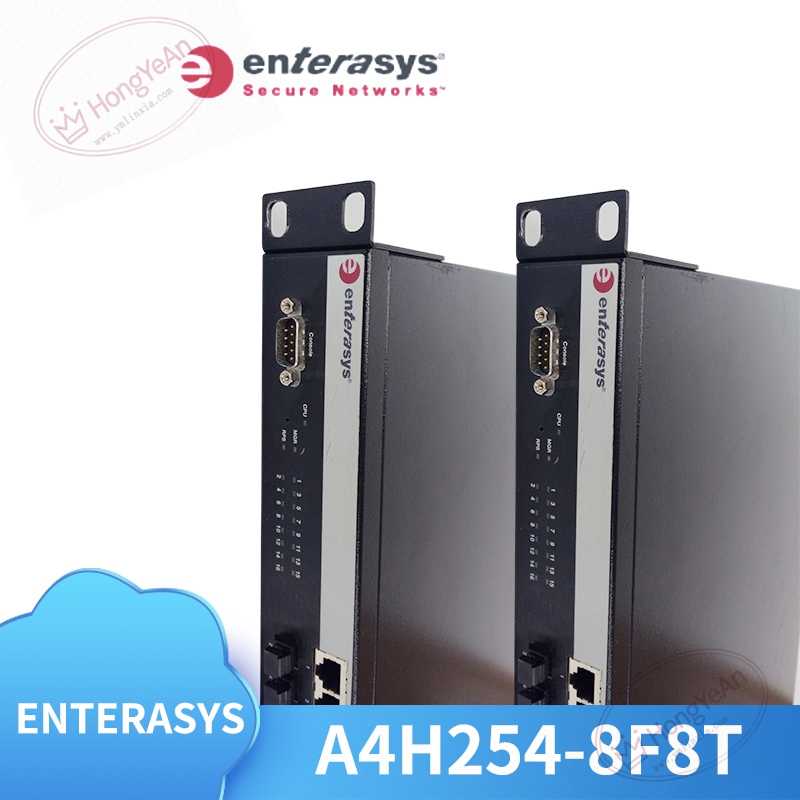
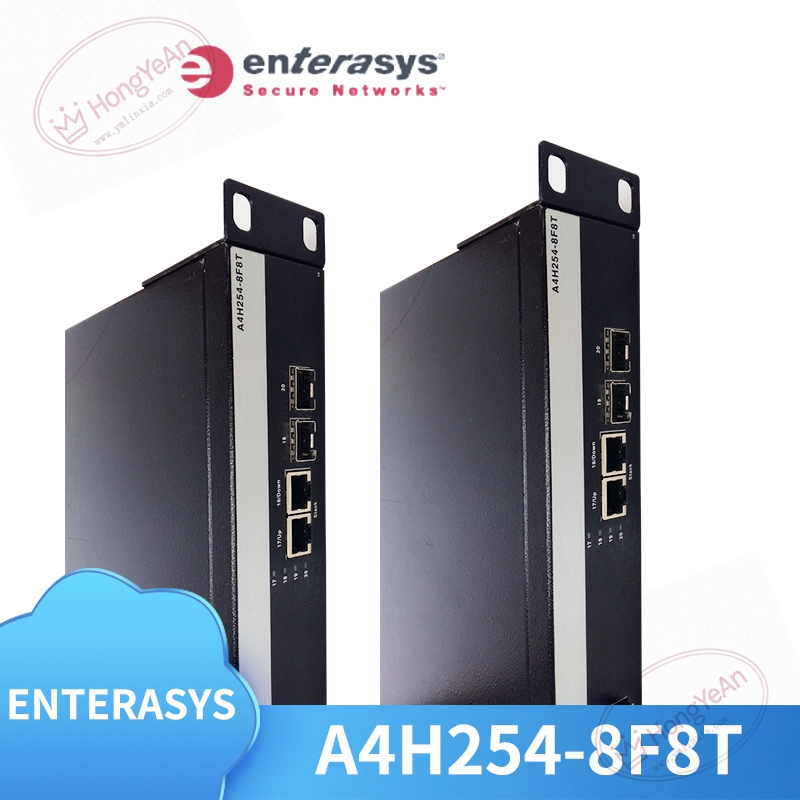
Standard 1U height metal chassis, fits common 19‑inch equipment cabinet. Front panel arranges status LED indicators for each port, power and system fault alarm. ‑ SFP optical slots sit on one side for fiber‑optic links ‑ RJ45 copper sockets on the other for twisted‑pair network cables ‑ Comes with serial console port for local debugging configuration ‑ Built‑in internal power supply, no external power adapter required. Label printed with part number A4H254‑8F8T on housing surface.
Main practical capabilities
Supports layer‑2 switching function, VLAN division, link aggregation LACP, RSTP rapid spanning‑tree, QoS traffic priority control, IGMP snooping and port security functions. Multiple management access ways: CLI serial command line, web browser page, SNMP network monitoring. Switching capacity reaches 16Gbps, forwarding rate 11.5Mpps, MAC address table supports up to 8K entries. Operating environment: 0‑45℃ ambient temperature, for indoor cabinet installation only, IP20 protection level. AC 100‑240V power input, typical power consumption approx 32WShenzhen C….
Real‑world usage
Common for factory automation workshops, petrochemical plant control rooms, connecting PLC controllers, industrial computers and on‑site instruments. Optical ports are used for long‑distance fiber transmission, copper ports connect short‑distance local devices. When network equipment ages, this hardware serves as replacement spare. After replacement, import existing configuration files, verify port link status, no large‑scale network reconstruction needed.
Practical installation reminders
Place the unit inside well‑ventilated cabinet. Avoid stacking other heat‑generating devices directly against it. Fiber and network signal cables shall be separated from high‑power power cables, reduce external interference that causes link flapping. Before commissioning, confirm firmware version. Version mismatch may trigger unstable port performance. Do not open chassis housing on‑site. Once hardware damage occurs, replace whole unit directly.
Typical troubleshooting cases
- Power indicator does not light: Check AC power input and power socket. If input voltage is normal, internal power unit failure is suspected.
- Port link frequently drops: Inspect fiber module condition, fiber‑cable quality, RJ45 connector crimp status. Check cabinet temperature and dust accumulation.
- Network communication slow / packet loss: Verify VLAN and QoS parameter settings. Confirm matching duplex mode on opposite‑end devices.
- Cannot log in management interface: Check console or network management IP settings. Restore factory configuration if necessary and re‑import configuration.
Reviews
There are no reviews yet.