Description
Physical features
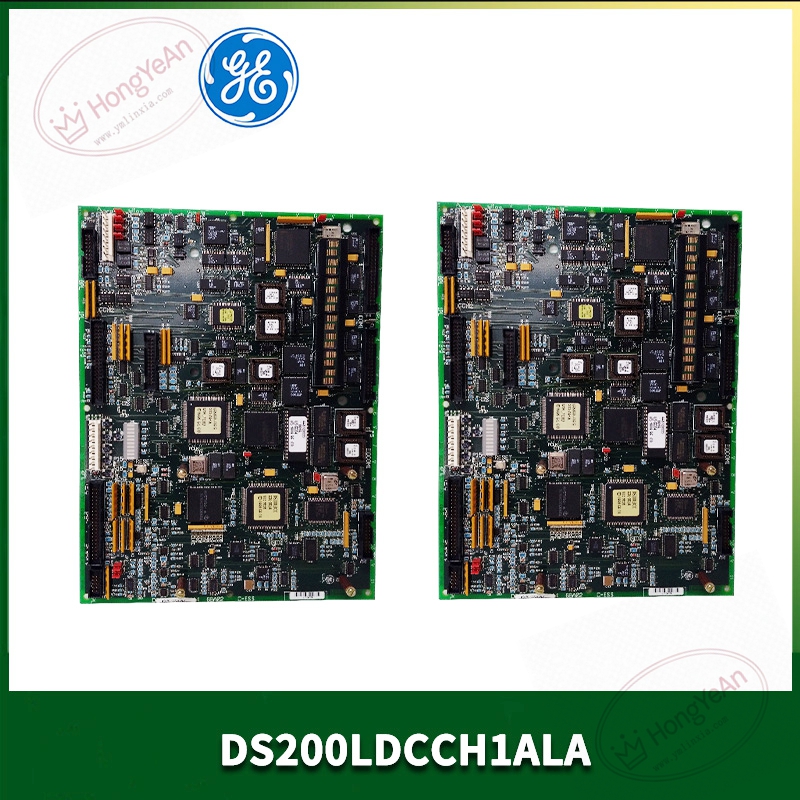
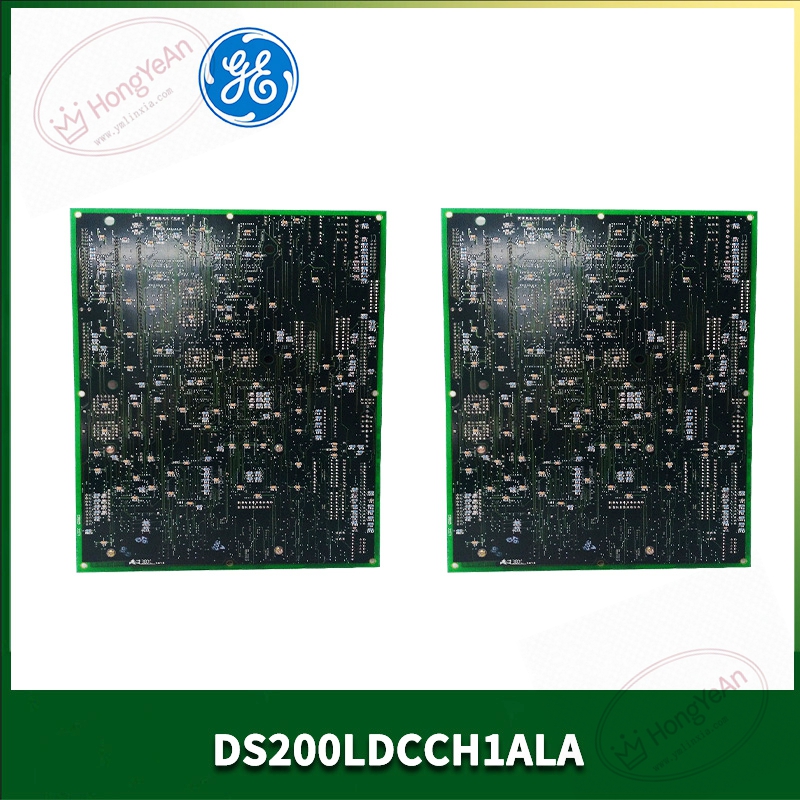
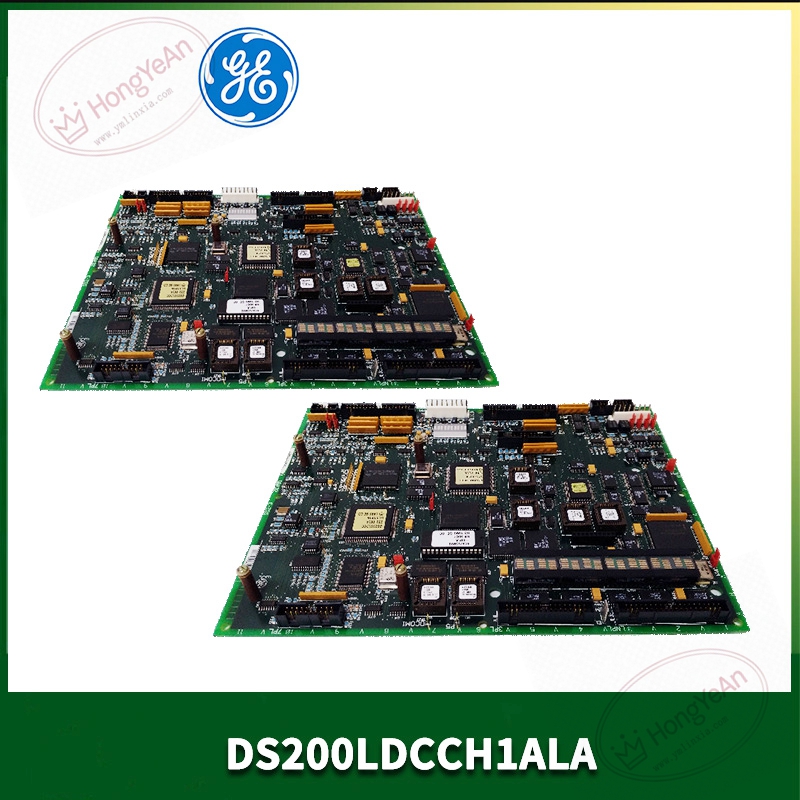
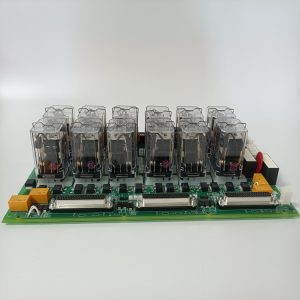
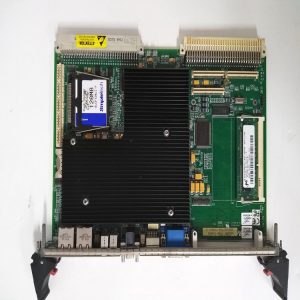
Standard horizontal plug‑in circuit board for common Mark‑V rack slots. ‑ PCB populated with multiple processor chips, memory chips and logic components. ‑ Front edge: multi‑pin connectors for external signal and network wiring; several LED status lamps for power, link and fault indication. ‑ Rear side: gold‑finger contacts for rack back‑plane power and internal bus communication. ‑ No separate metal enclosure. PCB silk‑screen marks part‑number DS200LDCCH1ALA.
Practical key points
Built‑in multiple independent processors to share calculation load for drive regulation and network tasks. Supports DLAN internal system bus, LAN communication, local parameter debugging interface. On‑board non‑volatile memory stores drive configuration parameters and historical fault event records. Working environment:‑40℃ ~ +70℃ ambient temperature, for indoor cabinet‑only installation. Note: Different suffix revisions (ALA / ANA / AGA) are not fully interchangeable; verify revision consistency before replacement.
Real‑world usage scenario
Installed inside power‑plant turbine control cabinets. Acts as intermediate processing unit between main rack CPU and field drive/excitation hardware. It processes drive commands, upload real‑time operating data to upper monitoring workstation. When this board fails, drive adjustment and LAN communication will be abnormal, may affect unit regulating performance. After replacement, import original configuration parameters, check bus link status, verify drive response performance before putting online.
Installation reminders
Power‑off operation is recommended for swapping this PCB card, avoid scratching gold‑finger contacts. Reserve sufficient ventilation space around rack. High cabinet temperature will accelerate aging of onboard chips. Network and signal cables must keep physical separation from high‑power cables to reduce interference causing communication jitter. Save configuration files in advance during maintenance. Do not disassemble PCB for component‑level repair; replace whole board when hardware damage occurs.
Common troubleshooting
- All front‑panel indicators stay off: Check rack back‑plane power supply, re‑seat module in slot. Suspect onboard power circuit damage if input is normal.
- LAN communication intermittent / offline: Inspect external connector locking condition, check firmware version matching with other rack boards, clean dust on gold‑finger contacts.
- Drive response abnormal / parameter cannot download: Confirm revision compatibility; verify configuration file integrity, check local debugging interface.
- Random fault alarms: Eliminate surrounding electromagnetic interference sources; check cabinet temperature and vibration influence.
-1-1-300x300.jpg)
Reviews
There are no reviews yet.