Description
Core performance features
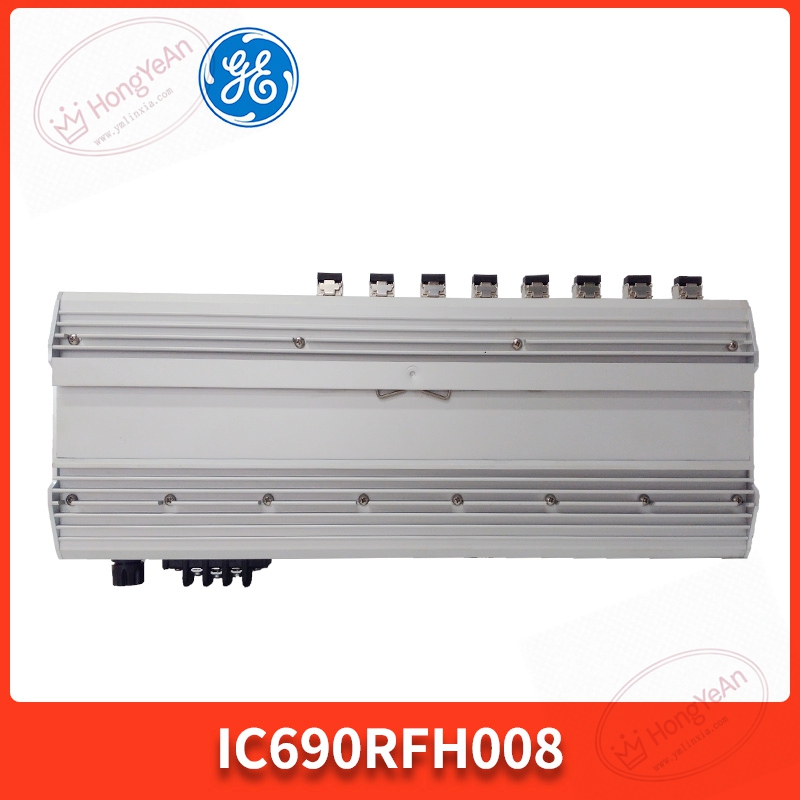
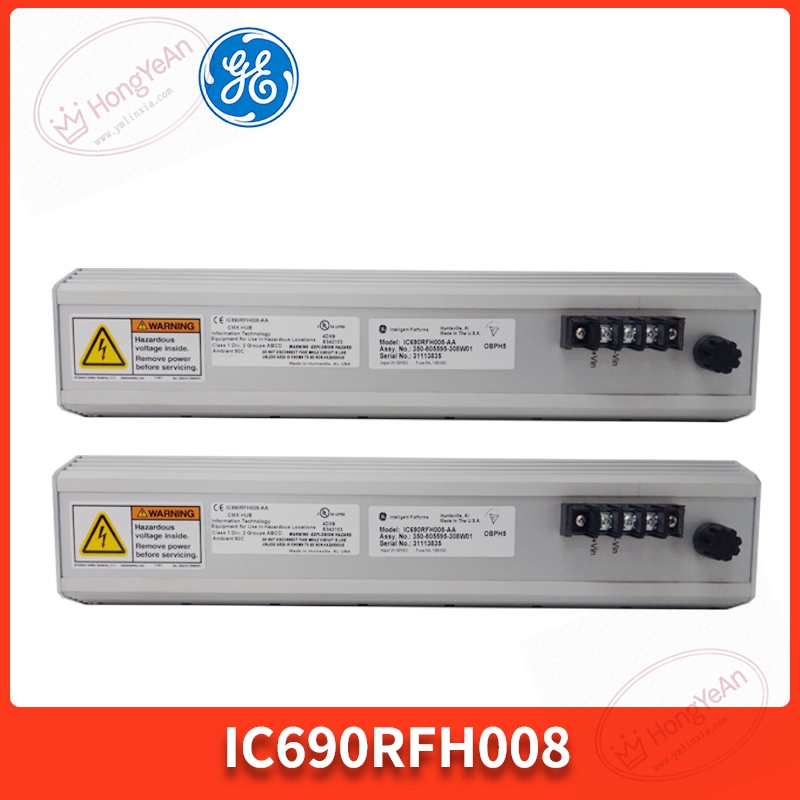
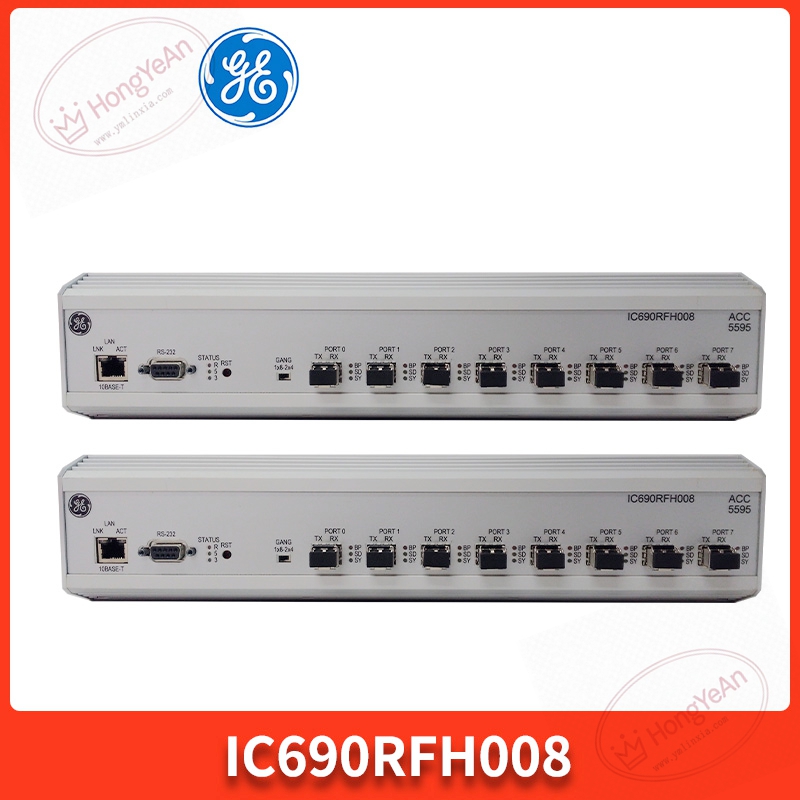
‑ Interface: 1‑channel electrical Genius bus port for connecting copper‑based Genius segment; 8 multi‑mode fiber optic ports for fiber link expansion. ‑ Fiber type: multi‑mode optical fiber, ST‑style physical connectors. Maximum single‑segment fiber transmission distance reaches 2000 meters. ‑ Electrical Genius bus baud rate fixed at 153.6 kbps, consistent with standard Genius network specification. ‑ Built‑in hardware diagnostic: LED indicators for power supply, electrical bus status, each fiber‑link health and fault alarm. It can detect fiber breakage, link loss and bus short‑circuit conditions. ‑ Supports star‑topology network construction, one hub can connect multiple remote Genius I‑O racks via optical fiber. ‑ Control power: 24 VDC, typical consumption 180 mA. ‑ Operating environment: temperature range 0‑60 ℃, humidity 5‑95 % non‑condensing, IP20 protection, cabinet‑only installation. ‑ Mounting: standard DIN‑35 rail mounting structure. ‑ Important note: This module cannot change Genius baud rate; all devices on the whole Genius network must run at the same baud‑rate setting. Mismatched baud rate will cause total network communication failure.
Physical appearance
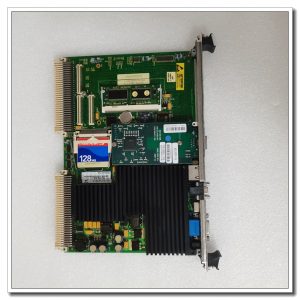
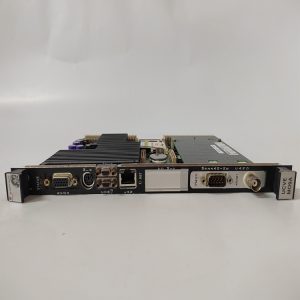
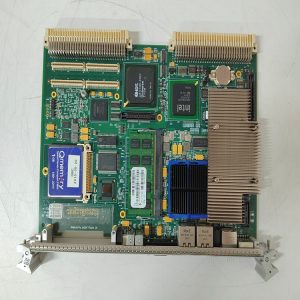
Rectangular industrial plastic housing, light‑grey casing. ‑ Front panel: one DB‑9‑like Genius electrical bus connector; eight ST fiber sockets arranged in array; group of LED lamps for power, bus active status and each fiber channel fault. Model label printed IC690RFH008. ‑ Bottom: DIN‑rail spring buckle for clipping onto standard mounting rail. ‑ Side: two‑part detachable screw terminal block for 24 VDC DC control power input. ‑ No golden‑finger back‑plane contacts; it is standalone DIN‑rail mounted device, not VME or rack plug‑in PCB card.
On‑site application scenarios
Installed inside central control cabinets for petrochemical and power‑industry projects. It solves two typical problems: long‑distance signal transmission and galvanic isolation against heavy electromagnetic interference. Copper Genius bus distance is limited, optical fiber eliminates ground potential difference and high‑frequency noise interference. When this hub fails, all I‑O stations connected behind corresponding fiber ports will go offline, leading to loss of field signal collection. After replacement, confirm 24 VDC power supply, check each fiber link LED status, verify every remote Genius I‑O point data before putting online.
Installation & operating notes
‑ Fix firmly on DIN‑35 rail, leave surrounding clearance for heat dissipation, avoid mounting beside high‑heat equipment. ‑ Multi‑mode ST fiber must be used; keep fiber connectors clean, dust on fiber end face will cause link attenuation and intermittent drop‑out. ‑ Genius copper‑bus segment needs proper terminal resistor at bus end. ‑ Signal and power wiring should keep physical separation from high‑power cables to reduce surge interference. ‑ Do not open plastic housing on‑site. Replace whole unit for permanent hardware damage.
Common field phenomena & troubleshooting
- All status indicators stay off: Check 24 VDC power supply wiring and terminal locking.
- One or several fiber channels report link fault: Inspect ST fiber connector cleanliness, check fiber cable break risk, re‑plug fiber connectors.
- Whole Genius network communication abnormal: Confirm baud‑rate consistency of all Genius devices; check electrical bus segment for short‑circuit fault.
- Intermittent communication drop‑out: Check fiber bending radius, avoid sharp bending; inspect cabinet temperature and dust accumulation.
Reviews
There are no reviews yet.