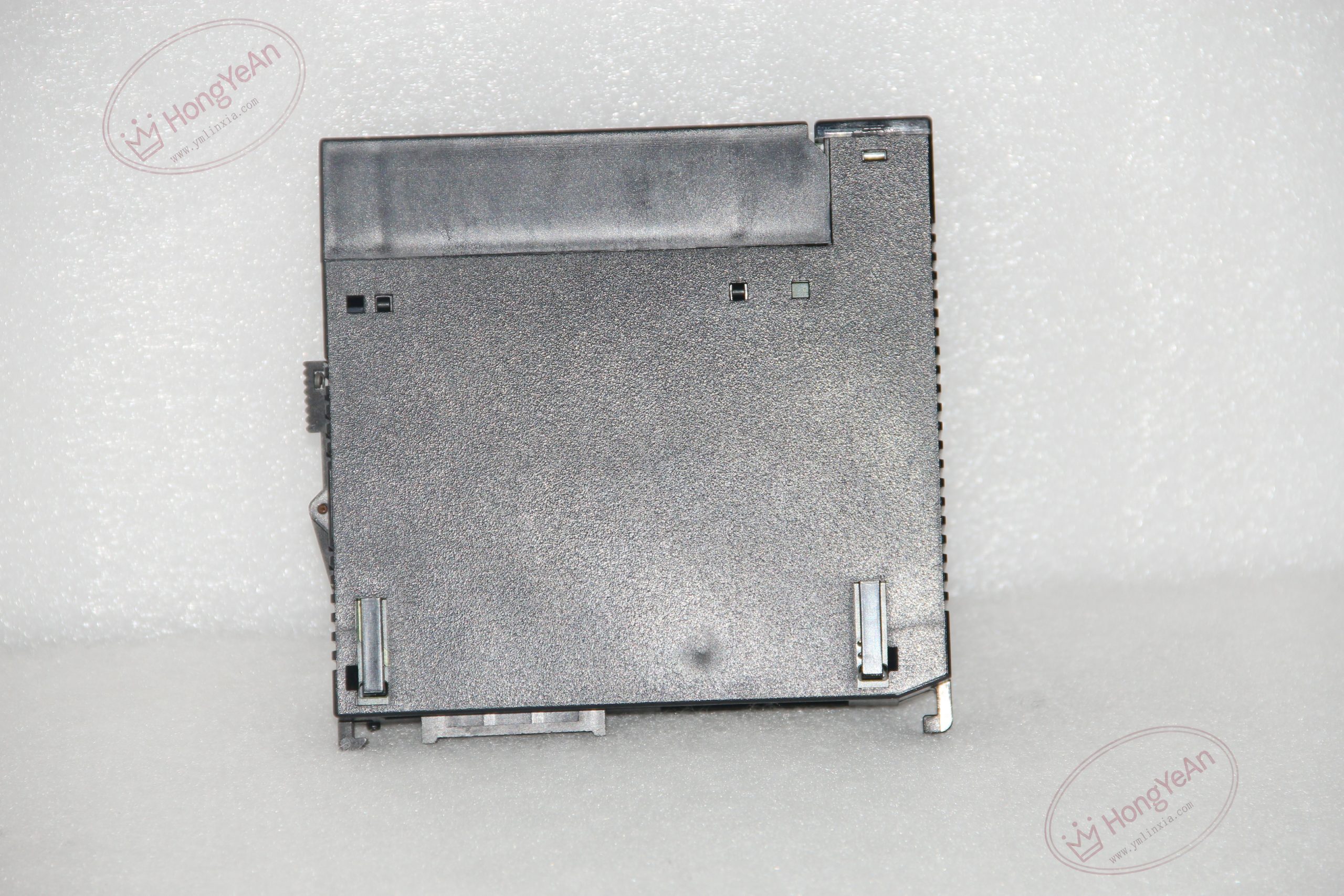
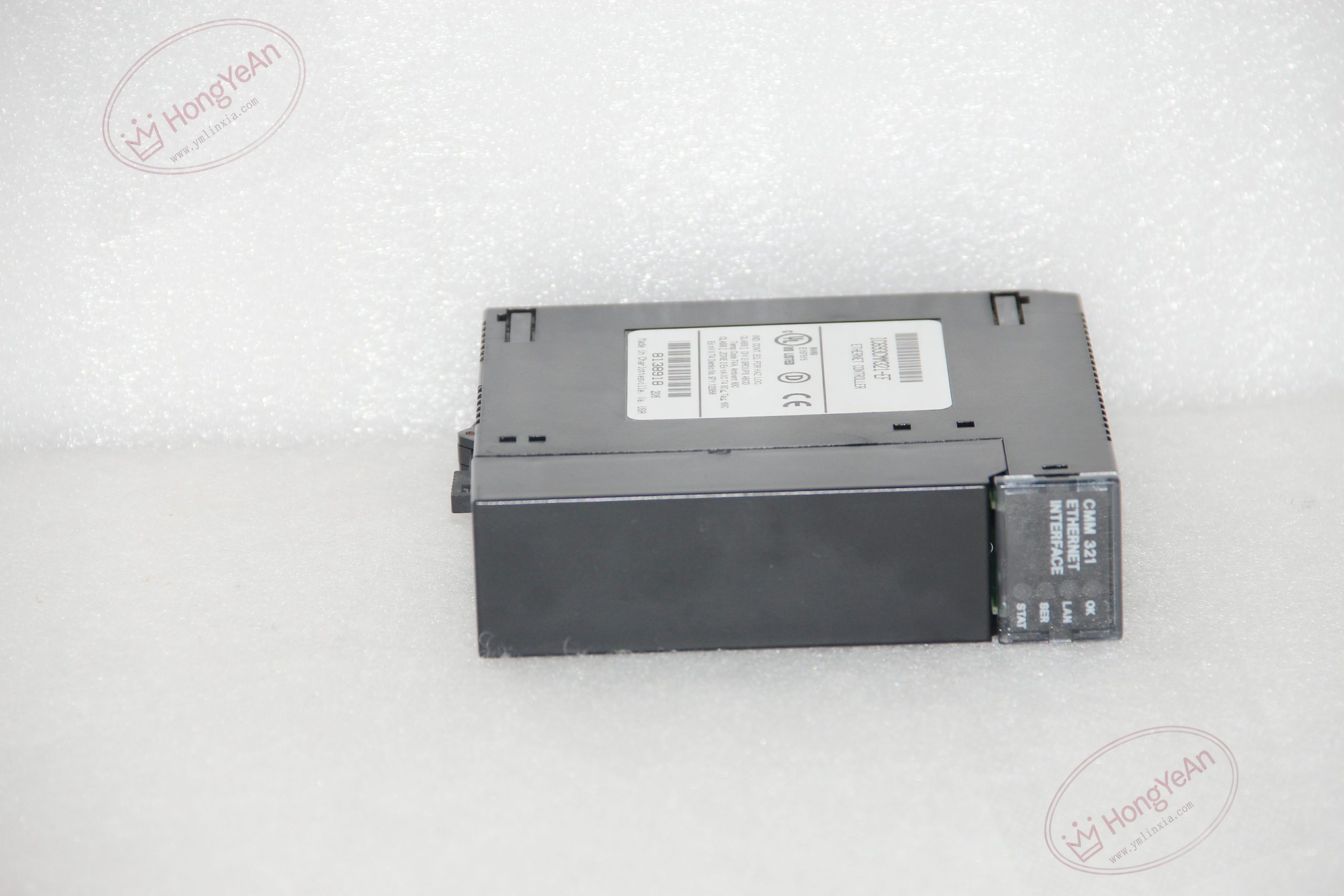
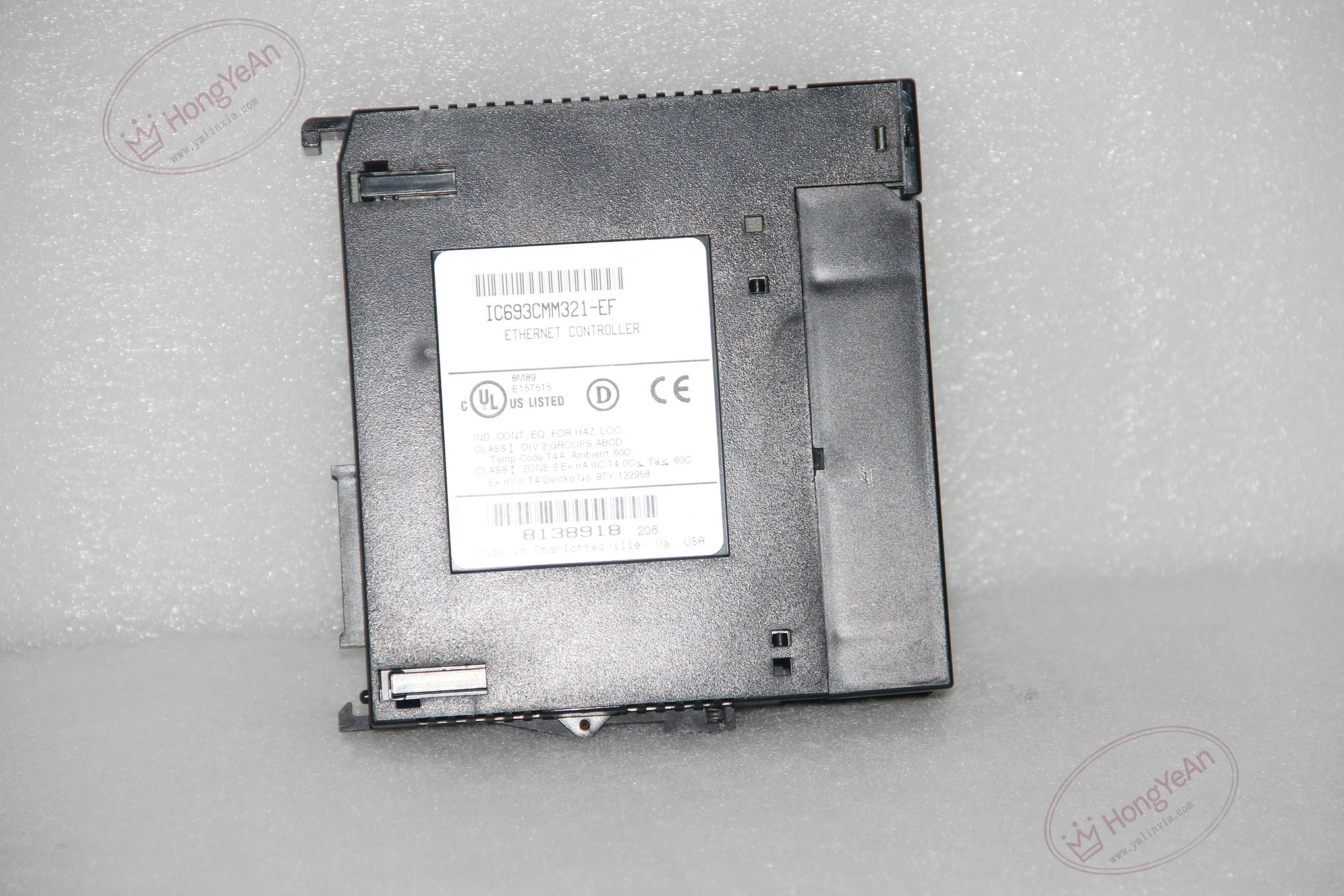
Description
Basic Hardware Information
‑ Back‑plane requirement: Single‑slot module; 400 mA @5 VDC back‑plane power consumption, no external power supply needed ‑ Network interface: AAUI (AUI) port; requires external transceiver for 10 Mbps Ethernet connection ‑ Auxiliary ports: ‑ RJ‑11 RS‑232 Station‑Manager port (local configuration, diagnostics) ‑ 15‑pin D‑Sub RS‑485 download port (firmware upgrade)abb-drive … ‑ Supported protocols: SRTP, Modbus‑TCP (master/slave), EGD Ethernet Global Data, TCP/IP/UDP stack ‑ Connection capacity: Up to 16 concurrent server connections ‑ Control method: COMMREQ ladder instruction for client‑mode data exchange ‑ Indicators: OK, LAN, SER, STAT multi‑function LED indicators ‑ Mechanical: Standard Series 90‑30 single‑slot module housing; weight approx 0.3 kg ‑ Operating ambient temperature: 0 ℃ ~ +60 ℃; storage temperature‑40 ℃ ~ +85 ℃; relative humidity 5‑95 % non‑condensing ‑ Handling note: ESD‑sensitive hardware; anti‑static wrist‑strap required during insertion / removal; avoid power‑interruption during firmware update ‑ Compatibility: Series 90‑30 CPU firmware ≥V5.03; compatible with Series 90‑70 Ethernet modules for cross‑PLC communication; incompatible with Series 90‑RX3i / VersaMax back‑plane bus。
Core Functions & Features
- Acts as independent communication coprocessor, handles TCP/IP protocol stack processing, offloads Ethernet data traffic from main CPU, avoids CPU scan‑time degradation under heavy network load.
- Dual client‑server operation: Server replies to requests from HMI, SCADA, other PLCs; client initiates read/write data commands via COMMREQ ladder logic function block to remote network devices.
- Supports Modbus‑TCP master/slave, enables interconnection with third‑party Modbus‑TCP controllers and SCADA systems; supports GE proprietary SRTP and EGD global data for peer‑to‑peer PLC data exchange.
- RJ‑11 station‑manager serial port provides out‑of‑band configuration: set IP address, subnet mask, gateway, view communication statistics, error counters without Ethernet network access.
- On‑board flash memory stores IP configuration and firmware; front‑panel reset button supports normal reboot, forced configuration reload and maintenance‑utility entry.
- Rich diagnostic status bits available to PLC user logic: link status, connection count, error counters for network fault alarming.
- Different hardware‑firmware revisions are direct drop‑in replacements; after replacement, re‑download module network configuration to PLC hardware project.
On‑site Installation & Commissioning Notes
- Power‑off complete Series 90‑30 rack before inserting / removing module. Insert module into available slot, press fully home until locking tab clicks firmly. Record physical slot‑number for hardware configuration.
- Connect AAUI port to qualified external AUI‑to‑RJ45 transceiver, connect transceiver to industrial Ethernet LAN. Use shielded Ethernet cable; separate from high‑voltage power wiring.
- For local serial configuration: use IC693CBL316 cable to connect PC terminal emulator to RJ‑11 station‑manager port for IP parameter setup.
- Configure hardware inside programming software, define IP address, subnet, gateway, protocol options; download hardware configuration to PLC CPU.
- Verify front‑panel LED status; test server connection from HMI/SCADA; test client‑mode COMMREQ data exchange to remote nodes; monitor network diagnostic bits.
- Firmware upgrade warning: Do NOT cut power during flash programming; power failure during update will render module non‑functional.
- Replacement note: Other CMM‑series modules cannot substitute. After replacement, confirm physical slot address, re‑download Ethernet configuration, verify all network client/server communication channels.
-1-300x300.jpg)
Reviews
There are no reviews yet.