Description
Core performance features
‑ Processor: 1.8 GHz Intel Pentium‑M x86 microprocessor. Boolean execution speed: 0.02391 ms per 1000 contacts‑coils, supporting complex floating‑point algorithm calculation. ‑ Memory: 64 MB battery‑backed SRAM for user logic and real‑time data; 64 MB non‑volatile flash memory for storing application program, hardware configuration, symbolic variables and SOE time‑stamped event logs. The onboard lithium battery (IC698ACC701) retains SRAM data and real‑time clock when rack power fails. ‑ I/O capacity: maximum 32768 discrete I/O bits; up to 32768 analog I/O words. Supports up to 512 independent program blocks, each block maximum 128 KB size. ‑ Communication interfaces: Dual independent 10/100 Mbps auto‑negotiation RJ45 Ethernet ports. Supported protocols: SRTP, Modbus TCP, IEC 60870‑5‑104, EGD. Built‑in web server and FTP service, maximum 16 combined web / FTP concurrent client connections for remote monitoring and file access. Three serial ports: RS232 debugging port, RS485 port and station‑manager RS232 port. Support Modbus‑RTU slave, SNP and serial I/O protocols. Firmware can be upgraded via WinLoader tool over serial or Ethernet channel. ‑ Programming standard: complies with IEC 61131‑3. Supported languages: Ladder Diagram, Function Block Diagram, Structured Text, plus embedded C language for advanced custom algorithms. Test‑edit mode allows partial program modification while CPU keeps running without stopping field control. ‑ Redundancy function: can cooperate with IC698RMX016 redundancy module to realize hot‑standby redundant CPU configuration, suitable for high‑availability SIS and power‑industry control systems. ‑ Self‑diagnosis: comprehensive hardware health detection, monitors CPU core, memory, battery voltage, bus status. Time‑stamped fault logs and SOE sequence‑of‑event records are stored for post‑fault analysis. Battery low‑voltage warning bit will be triggered before backup battery fails. ‑ Power consumption: draws 6.8 A @ 5 VDC from VME backplane; no external field wiring terminals for power supply. ‑ Environmental parameters: operating temperature 0‑50 ℃; storage temperature‑40 ~ +85 ℃; humidity 5‑95 % non‑condensing; IP20 protection grade, only for cabinet‑internal installation. ‑ Compatibility note:‑JP hardware variant has specific firmware baseline. Direct replacement with non‑JP version may lead to certification mismatch or partial function abnormality. Firmware revision must match other VME boards inside RX7i rack.
Physical appearance
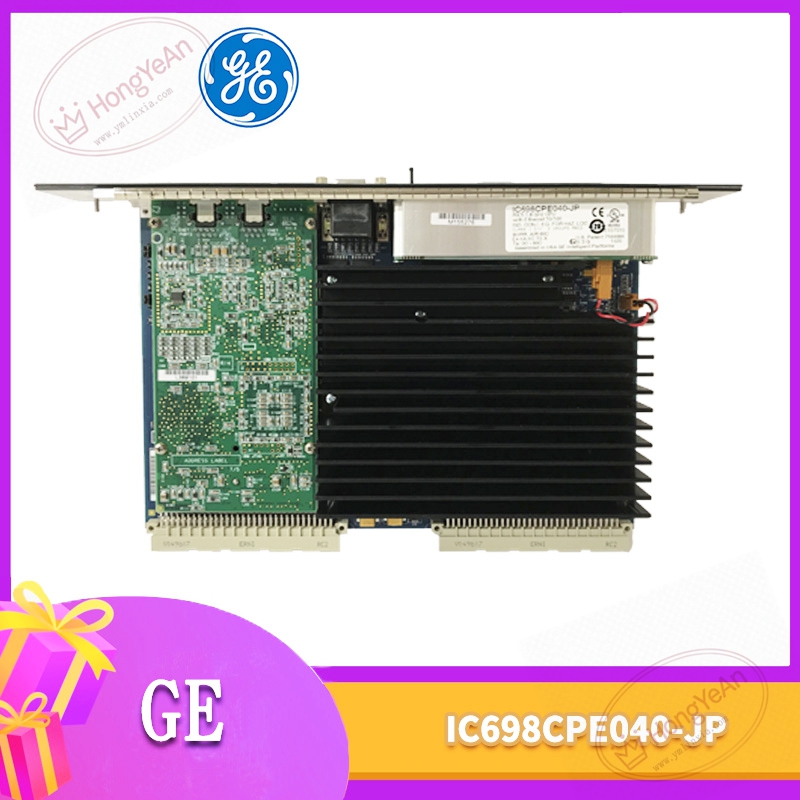
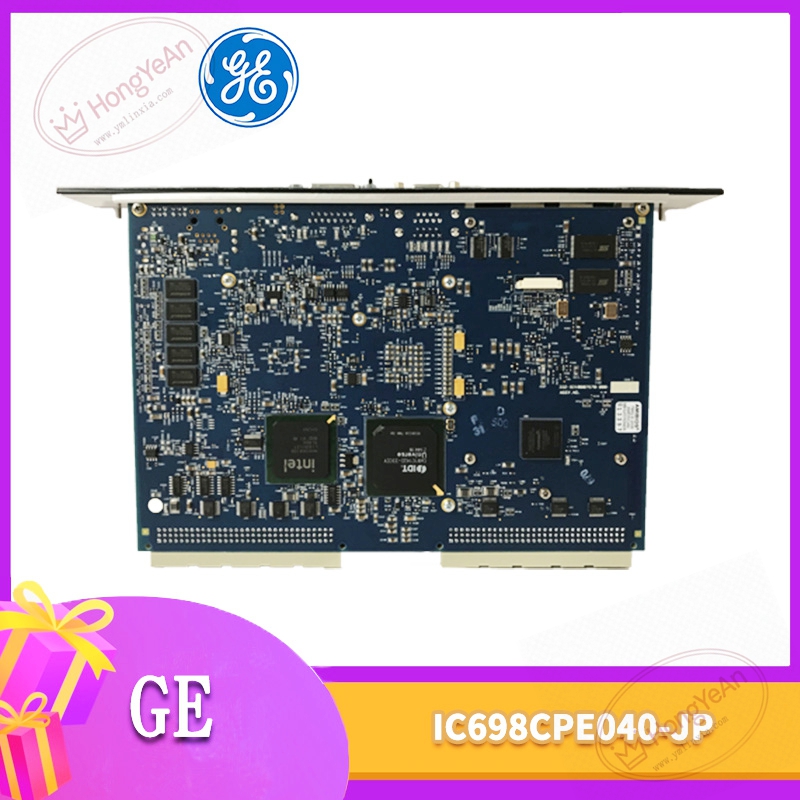
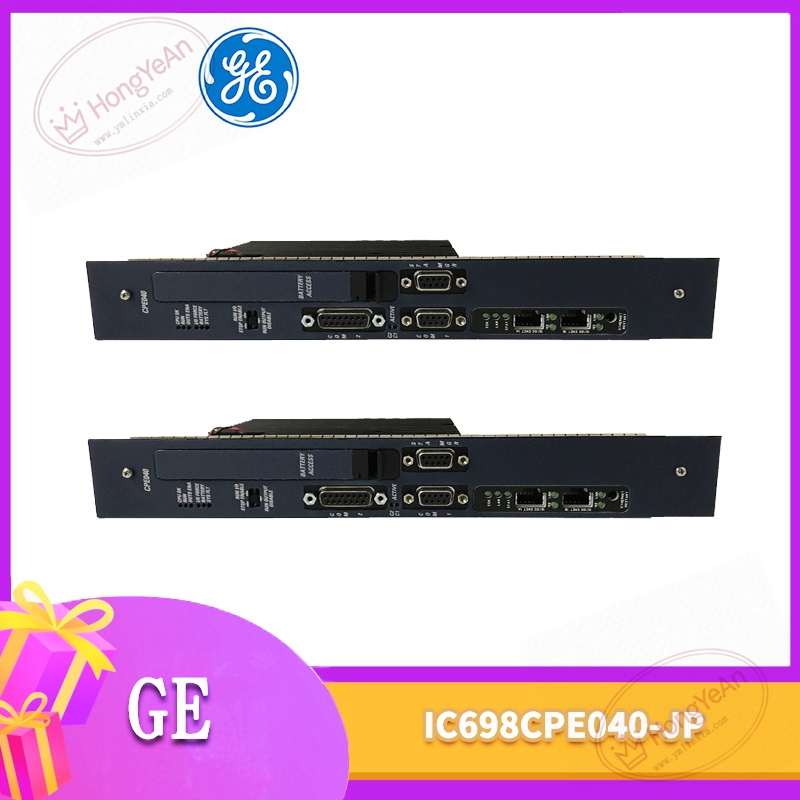
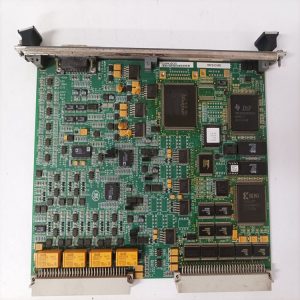
Standard 6U horizontal plug‑in VME circuit board, inserted into RX7i rack VME slot. ‑ Front metal faceplate: two RJ45 Ethernet connectors, three serial‑port interfaces; multi‑group LED status indicators: CPU OK, RUN, STOP, Output‑Enable, Battery alarm, Ethernet channel active status. Equipped with metal ejector latches for convenient insertion and extraction. Model label printed IC698CPE040‑JP. ‑ Rear side: large‑size VME golden‑finger contacts for backplane power supply and high‑speed VME‑bus data interaction. ‑ No independent sealed metal housing. PCB is exposed inside rack. Onboard replaceable lithium backup battery for SRAM and RTC power retention. ‑ All external communication connections are completed through front‑panel connectors, no field process signal terminals.
On‑site application scenarios
Installed in power‑plant, petrochemical and heavy‑industry automation control cabinets, acting as core processing unit for PACSystems RX7i platform. It collects data from DI/DO/AI/AO and communication modules, executes complex continuous‑process regulatory control, sequence logic and safety interlock calculation. It uploads real‑time measuring data, alarm messages and SOE event records to HMI and dispatching host through Ethernet and serial channels. If this CPU fails, the whole rack will stop executing control logic, which may trigger unit protective trip. After replacement, download complete original project configuration file, verify firmware revision consistency with other rack modules, check VME‑bus communication status of each I/O slot, test Ethernet and serial protocol data interaction, and confirm battery voltage status before putting into online production operation.
Installation & operating notes
‑ Although VME hot‑swap is theoretically supported under redundant architecture, power‑off replacement is strongly recommended in actual industrial site to avoid scratch and oxidation damage to VME golden‑finger contacts. ‑ Use industrial‑grade shielded twisted‑pair cables for Ethernet and serial communication wiring. Keep physical separation from high‑power power cables to restrain electromagnetic interference causing link jitter or data error. ‑ Pay attention to onboard backup lithium‑battery aging. When battery voltage drops below threshold, SRAM data and real‑time clock information will be lost after power‑off. Arrange battery replacement according to site maintenance cycle. ‑ Keep cabinet well‑ventilated. High ambient temperature will accelerate aging of onboard memory chips and electrolytic components, leading to unstable operation. ‑ Do not disassemble PCB for component‑level repairing. Replace whole CPU board for permanent hardware damage.
Common field phenomena & troubleshooting
- All front‑panel indicators stay off after rack power‑on: Check VME back‑plane 5 VDC power supply condition, re‑seat module firmly in slot. If backplane power is normal, onboard power circuit may be damaged.
- Ethernet link flickering frequently: Inspect industrial shielded network cable and connector crimping quality, verify IP address and network parameter setting, eliminate cabinet high‑temperature and dust influence.
- Cannot download project configuration: Check communication path of Proficy Machine Edition software, confirm whether CPU enters fault‑lock state, verify firmware compatibility between CPU and other VME modules.
- SOE / historical data lost after power‑cycle: Replace onboard lithium backup battery, re‑download configuration and verify data retention function.
- Partial VME I/O modules reported offline: Clean dust and oxidation on VME golden‑finger contacts, check back‑plane bus health, confirm firmware version matching of whole rack.
-1-300x300.jpg)
Reviews
There are no reviews yet.