Description
Hardware & Electrical Specifications
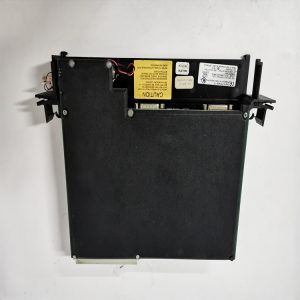
- Model:IS200PMCIH1ABA
- Part Number:IS200PMCIH1ABA
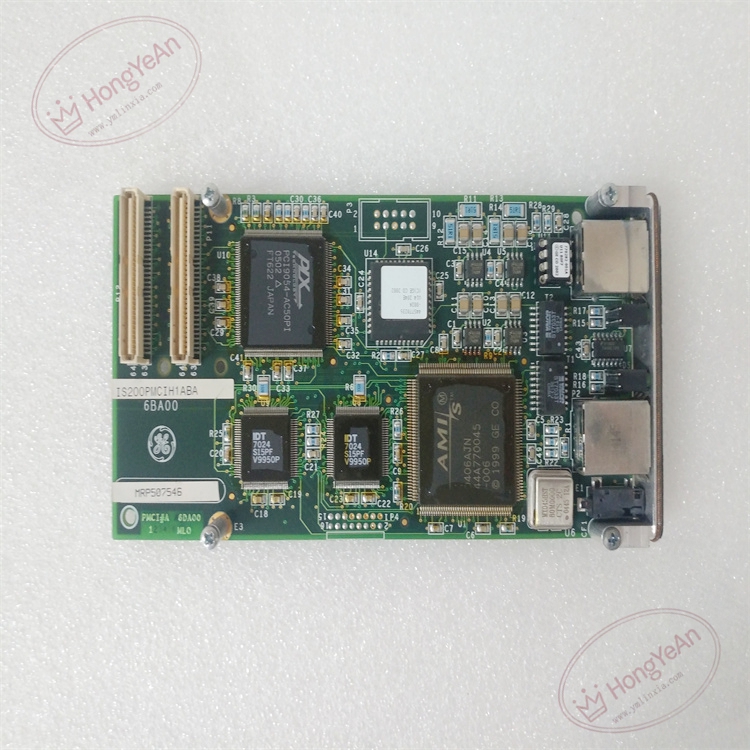
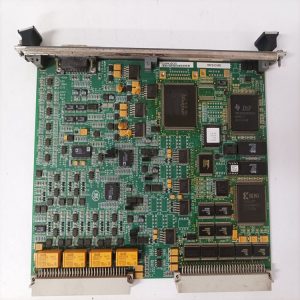
- Module Type:PMCI Processor‑Module Communication Interface Mezzanine Card
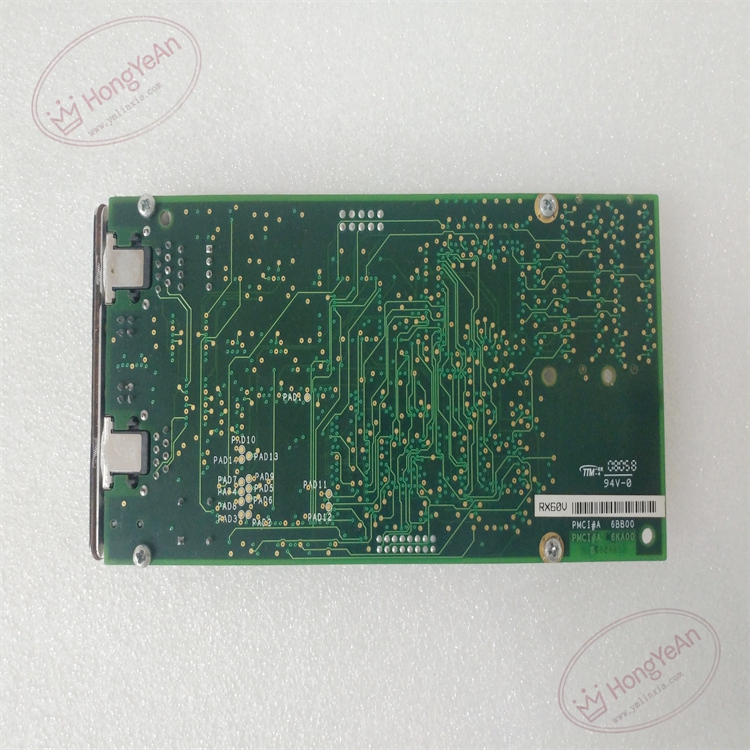
- Form factor:Compact PMC mezzanine daughter‑board, plug‑in onto CPU main‑board
- Power supply:+5 V DC supplied by host CPU board, typical power consumption 6 W
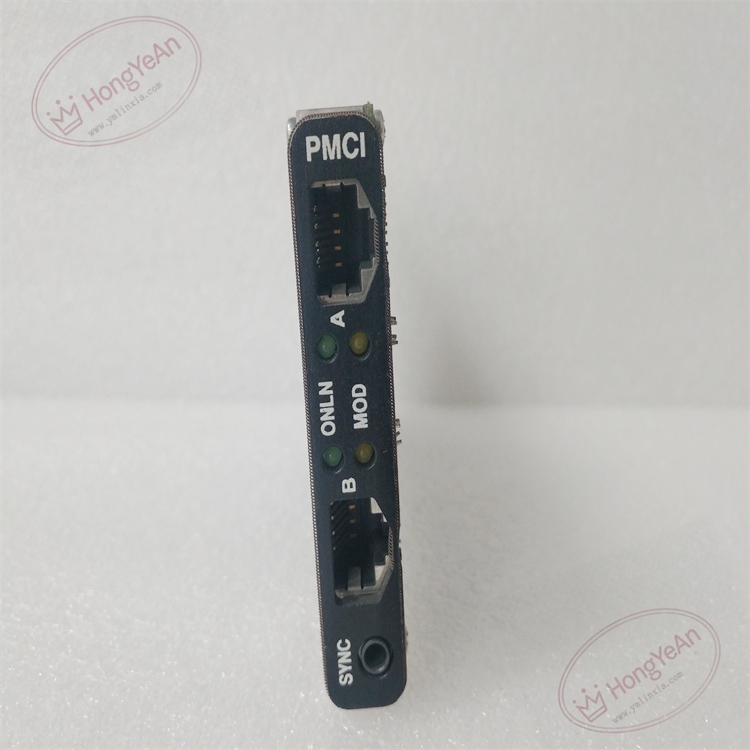
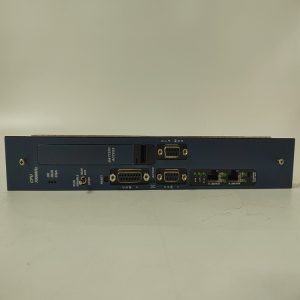
- Communication:Dual‑port 100BASE‑TX IONet Ethernet (Port A / Port B); BNC SYNC time‑sync input interface
- Front‑panel:Two RJ45 IONet ports, BNC SYNC connector; ONLN, MOD status LED indicators
- PCB treatment:Conformal coated for dust‑moisture‑corrosion resistance
- On‑board protection:ESD protection, surge suppression, hardware link‑watchdog monitoring circuit
- Compatibility note:Cannot run standalone; must pair with corresponding Mark VIe CPU board; firmware revision must match system configuration; dual‑channel IONet link test is mandatory after replacement。
Environmental Specifications
- Operating temperature:‑40 ℃ ~ +70 ℃
- Storage temperature:‑40 ℃ ~ +85 ℃
- Relative humidity:5%‑95% non‑condensing
- Installation location:Turbine control cabinet CPU rack
- EMC compliance:IEC 61000‑6‑2
- Certifications:CE
Mechanical Data
- Weight:approx 0.28 kg
- Dimension:152 mm × 89 mm × 22 mm
- Connector:High‑density gold‑finger mezzanine connector for CPU mating; front‑panel RJ45 & BNC jack
- Handling note:ESD‑sensitive PCB, anti‑static wrist‑strap mandatory during handling
- Recommended wire cross‑section:Shielded CAT5e twisted‑pair cable for IONet network wiring
Main Functions
- Act as dual‑redundant IONet Ethernet bridge between main CPU and all I/O packs inside the rack.
- Transmit field measuring data, protection interlock signals and channel fault diagnostic messages bidirectionally between controller and I/O modules.
- Distribute high‑precision SYNC time‑synchronization signal to guarantee multi‑I/O‑channel sampling time consistency for turbine fast‑control loops.
- Hardware link diagnosis for Port A / Port B IONet channels; detect cable break and link‑down abnormality.
- On‑board self‑diagnosis: detect daughter‑board hardware fault and mezzanine connector poor‑contact, report fault status to main controller.
- Front‑panel LED status indication:
- Green ONLN LED:Module power‑on and link normal
- Yellow MOD LED:IONet bus communication active
- Red LED:Communication loss / hardware fault alarm
Installation & Wiring Requirements
- Cut off rack power supply before replacement. Hot‑swap is forbidden. Strict anti‑static protection when handling PCB board.
- Align and insert PMCI mezzanine board fully into designated CPU board connector, fasten fixing screws to avoid poor contact.
- Connect IONet network cables and SYNC synchronization cable strictly follow GE Mark VIe wiring manual; separate network cables from high‑power cables to reduce electromagnetic interference.
- Complete protective grounding according to GE Speedtronic system specification.
- After replacement: verify dual‑port IONet link status, check SYNC signal quality, download controller configuration, validate full‑I/O‑rack data exchange before commissioning.
- Replacement note: Confirm firmware version consistency; both A/B channel communication function test must be performed after swap.
Reviews
There are no reviews yet.