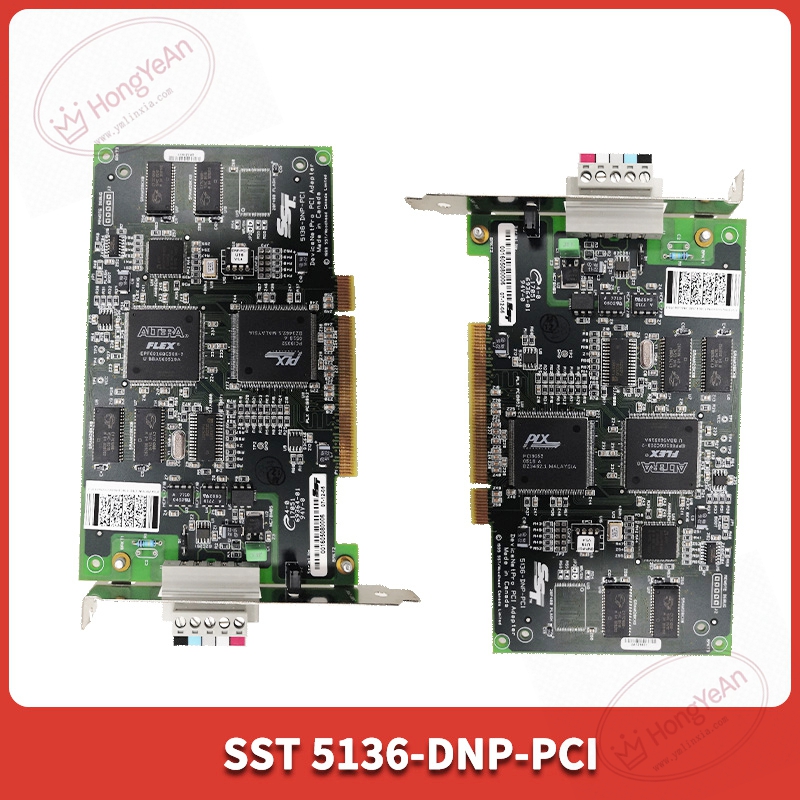
Description
Technical highlights
On‑board independent processor, 512KB RAM and 512KB flash memory. 256KB shared memory for PC data exchange. Supports DeviceNet baud rates:125 kbit/s, 250 kbit/s, 500 kbit/s. Max 63 slave nodes under master mode. 500V electrical isolation between DeviceNet field side and PCI host side. Power consumption: 400mA @ +5VDC from PCI slot. Supports polled, change‑of‑state and cyclic I/O data, plus explicit message communication. Drivers are available for Windows, Linux and VxWorks systems. Operating ambient:0℃ ~ +55℃; storage‑40℃ ~ +85℃; humidity 5‑95% non‑condensing; indoor cabinet installation. Compatibility note: Fits standard 5V PCI slot. Requires matching SST DeviceNet driver and configuration software. Wrong driver version will cause card initialization failure.
Physical features
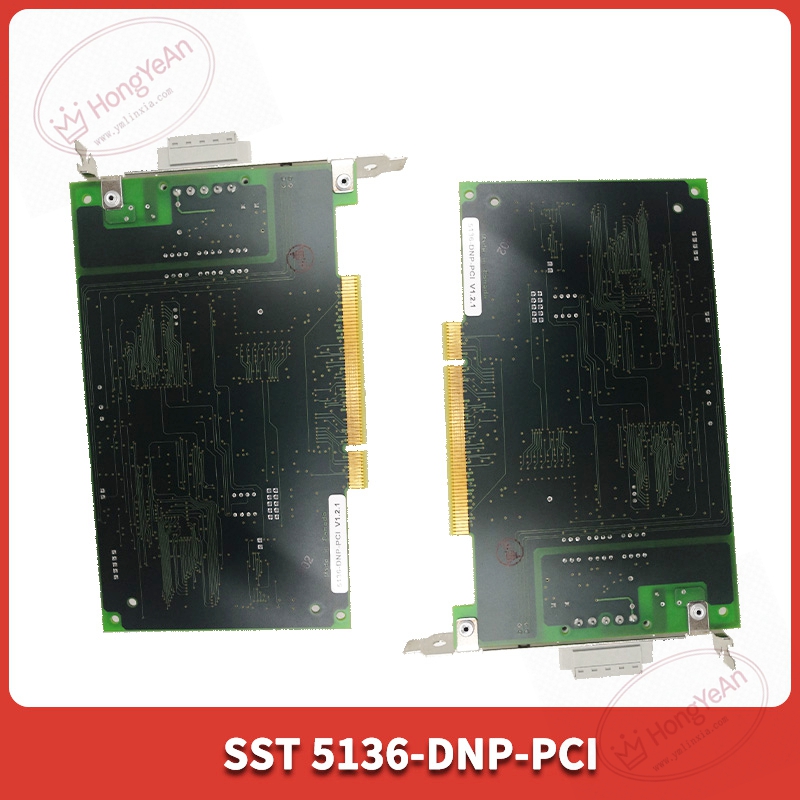
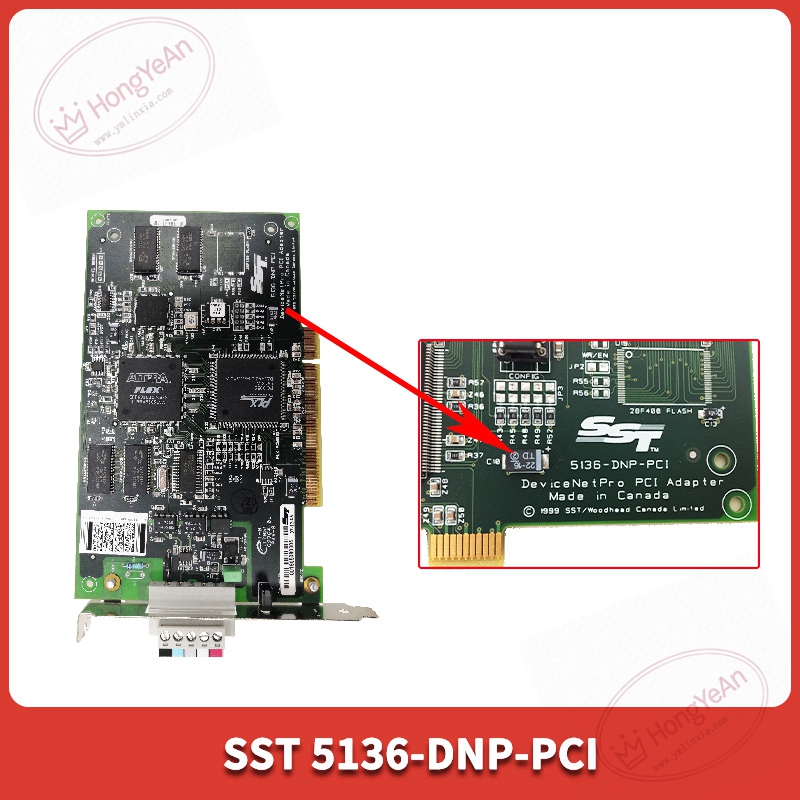
Half‑size PCI expansion card with standard PC metal bracket. Bracket side includes 5‑pin DeviceNet terminal connector and two LED indicators for health and communication status. Gold‑plated PCI edge connector connects to computer motherboard slot. Part‑number 5136‑DNP‑PCI is printed on PCB sticker label. PCB adopts conformal‑coated treatment for anti‑dust performance in industrial cabinet surroundings.
Site application scenario
Commonly used in industrial PC‑based control systems, production line monitoring and test platforms. Realizes data interaction between industrial computer and DeviceNet slaves such as remote I/O, drives and sensors. Card hardware failure will cut off all DeviceNet network communication for host PC. After replacement, insert card into PC PCI slot, complete hardware driver installation, configure DeviceNet baud‑rate and node address, verify network slave online status before commissioning.
Installation & maintenance notes
Power off PC chassis before replacement. Anti‑static protection required during handling. Avoid scratching PCI golden‑finger contacts. Use shielded DeviceNet dedicated cable. Install termination resistor at both ends of bus segment. Separate field‑bus cables from high‑power cables to reduce electromagnetic interference. Backup configuration and driver files before hardware swap. On‑site component‑level repair is prohibited; replace complete card under permanent hardware damage.
Common site fault performances
- Card cannot be recognized by host PC: Check PCI slot hardware contact, verify driver installation status.
- All DeviceNet slaves offline: Inspect bus termination resistor, cable integrity and baud‑rate matching.
- Intermittent communication drop‑out: Check cable shielding grounding and cabinet environmental interference.
- Partial slave device communication abnormal: Confirm node address conflict and bus load rate.
Reviews
There are no reviews yet.