Description
Core Technical Index
- Redundancy Structure: Three independent parallel channels, synchronous operation and 2oo3 hardware voting.
- Communication Interfaces: Dual 10/100Mbps Ethernet ports for redundant network layout.
- Supported Protocols: Modbus TCP, TriStation configuration protocol, peer-to-peer communication for inter-rack data sharing.
- Internal Bus: Proprietary TriBus for high-speed synchronization and data interaction with processor legs.
- Power Supply: 20–32VDC backplane power input, built-in reverse polarity and overvoltage protection. Hot-swap supported for redundant rack configuration.
- Ambient Performance: Operating temperature 0℃ ~ +60℃; storage temperature -40℃ ~ +85℃; relative humidity 5%–95% non-condensing. Conformal coating is optional for dusty and mildly corrosive cabinet environments.
- Replacement Note: Verify firmware version after module replacement. Inconsistent firmware will cause leg synchronization failure or unstable network transmission.
Hardware Appearance
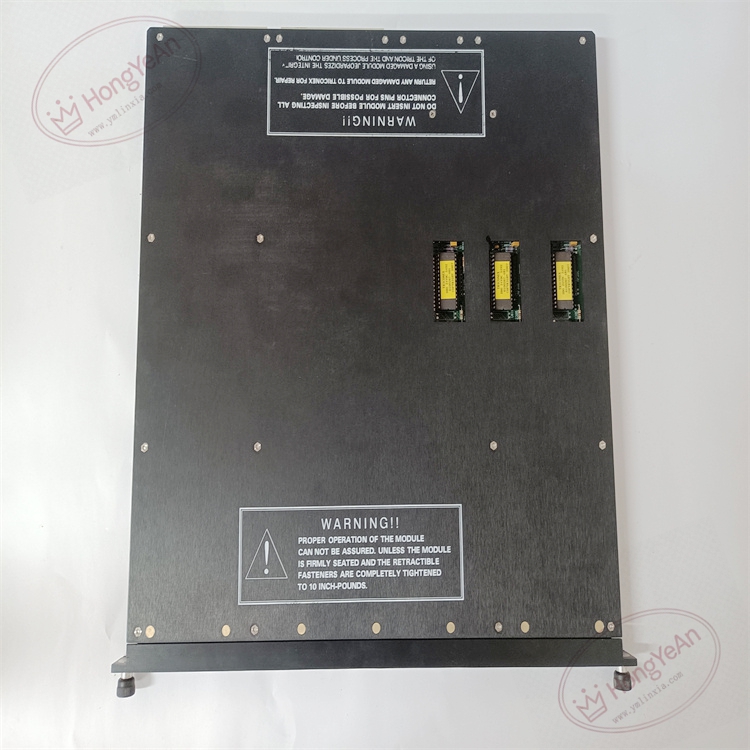
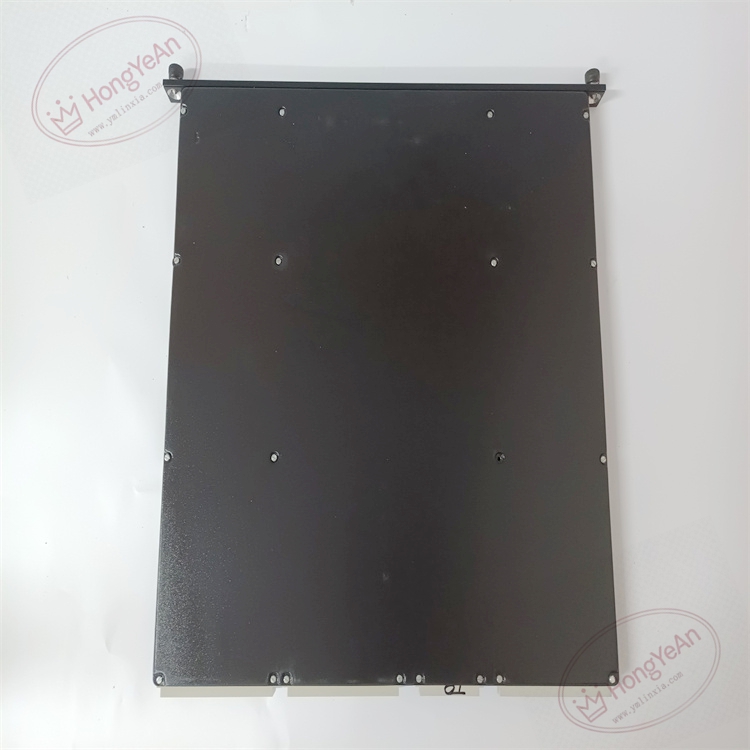
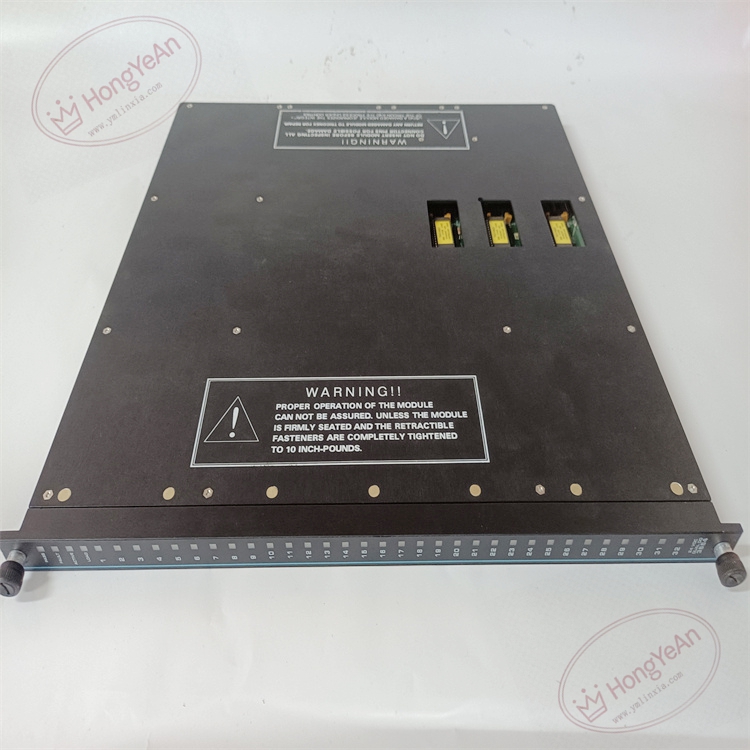
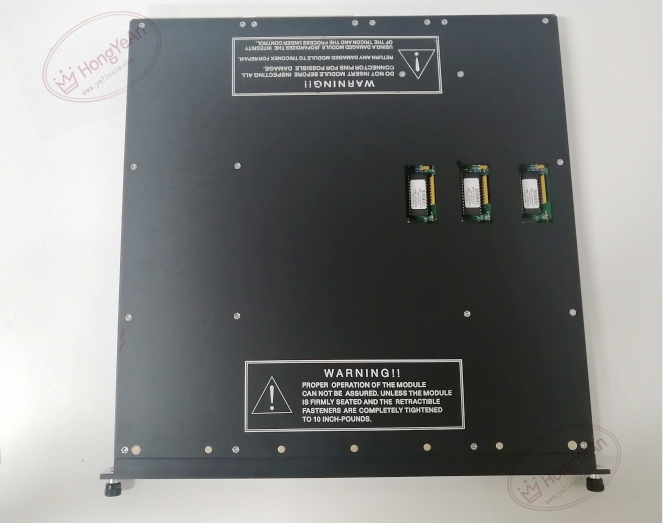
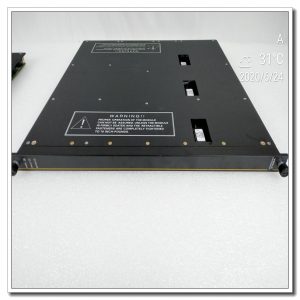
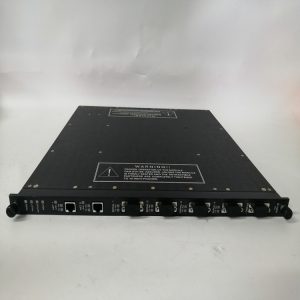
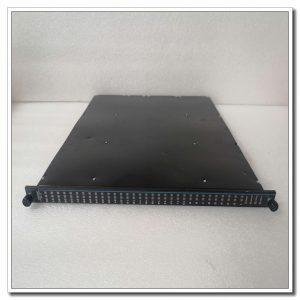
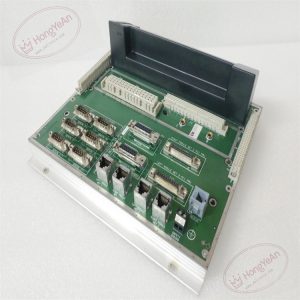
Rack plug-in communication board. The front panel is fitted with LED indicators showing module running status, triple leg synchronization, fault alarms and Ethernet link status. Gold fingers on the rear side connect with rack backplane to obtain power and exchange TriBus data. No field wiring terminals on this communication module. Model marking is printed on the side of metal housing.
Typical Industrial Usage
This communication module is widely used in ESD and F&G safety cabinets of petrochemical plants, natural gas stations, thermal power plants and offshore platforms. It transmits safety alarm signals, SOE event records and equipment status to DCS and operator workstations. Dual Ethernet ports avoid single network cable failure and improve overall system availability.
Maintenance Reminder: This safety-related communication hardware. Total module failure cuts off data transmission between SIS and upper system, but the local safety interlock function still works. Technicians should check communication status and diagnostic alarms during routine maintenance.
On-site Operation & Maintenance Points
- Wear anti-static wristband during module handling. Hot swap is available for racks with redundant communication slots. Cut off rack power before replacement without redundant setup.
- Use shielded industrial Ethernet cables. Separate network wiring from high-power cables of motors and inverters to reduce electromagnetic interference. Inspect connectors regularly for loose contact.
- Insert the module fully into rack slot to guarantee stable gold finger contact. Confirm firmware compatibility, download validated project configuration and carry out communication test. Check system logs for version mismatch and bus warnings.
- Keep complete backup copies of project configuration and firmware files. Never disassemble damaged module on site; replace the whole unit directly once permanent hardware damage occurs.
On-site Troubleshooting Checklist
- System reports leg mismatch alarms: Confirm firmware consistency, clean dust and oxidation on backplane gold fingers.
- Communication link intermittent drop: Inspect Ethernet cables, connectors and switch working status.
- No data uploaded to upper system: Check module running state, IP configuration and TriBus connection.
- No LED lights on front panel: Verify rack backplane 24V power supply and confirm full module insertion.
- Mass SOE event loss: Check network bandwidth and time synchronization status.
Reviews
There are no reviews yet.