Description
Detailed Specifications
- Redundancy architecture: Three fully independent processor legs run synchronously. 2-out-of-3 voting mechanism eliminates calculation errors caused by single leg failure. All three legs execute identical logic programs simultaneously and cross-check results continuously.
- Computing performance: Fast logic scan speed for safety interlock. Large memory space stores user safety program, SOE sequence of events records, system configuration and diagnostic logs. Supports event timestamping with high precision for accident post-analysis.
- Internal bus: Communicates with I/O modules and communication boards via TriBus proprietary high-speed backplane bus. Synchronization signals keep three legs aligned during every scan cycle.
- Program download & maintenance: Supports program upload / download via TriStation engineering software. Online force and online monitoring are available for commissioning and troubleshooting.
- Power requirement: Powered by rack backplane 20–32VDC supply. Built-in reverse polarity and overvoltage protection. Hot-swap replacement is supported for redundant processor slots.
- Environmental specs: Operating temperature -40℃ ~ +70℃; storage temperature -40℃ ~ +85℃; relative humidity 5%–95% non-condensing. Conformal coated variants are available for cabinets with dust, moisture and mild corrosive vapor.
- Spare installation note: The firmware version of replacement CPU must match the existing Tricon system. Mismatched firmware leads to leg sync failure, program download failure or abnormal voting. This processor belongs to classic Tricon platform, not compatible with Tricon CX racks.
Physical Characteristics
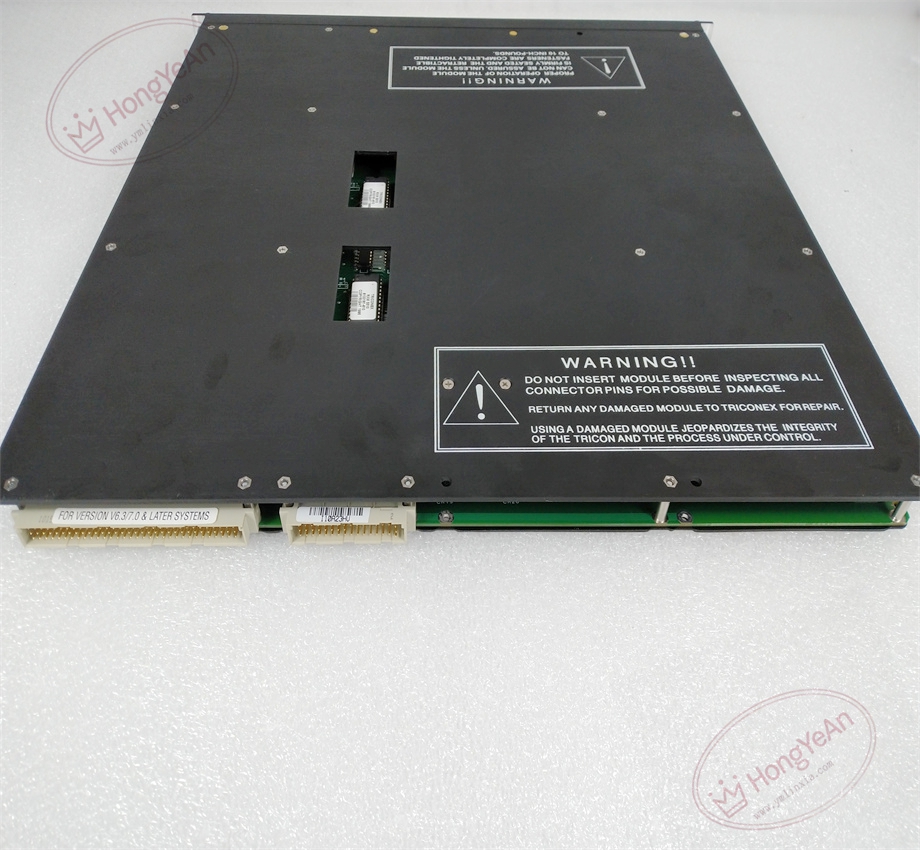
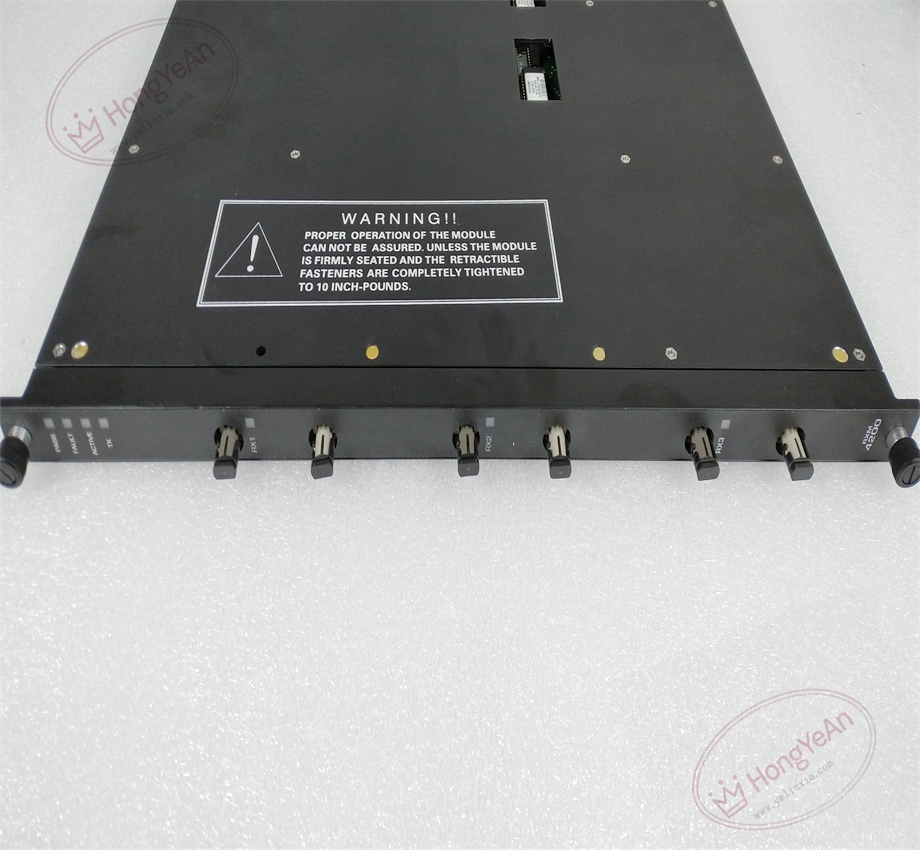
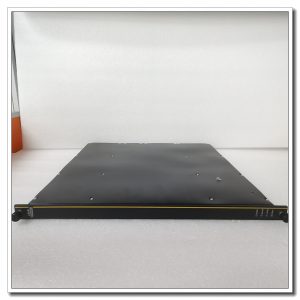
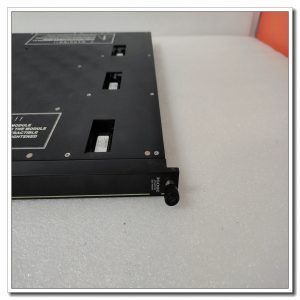
Rack plug-in processor board. Front panel has LED indicators showing PASS status, triple leg synchronization, system fault and diagnostic alarms. Gold finger contacts at rear connect to rack backplane for power and TriBus data exchange. No field wiring terminals on this CPU module. Model marking is printed on metal housing, mechanical keying prevents misinstallation into I/O slots.
Site Application Scenarios
This main processor is the core computing unit of Tricon SIS, widely used for ESD emergency shutdown, burner management, turbomachinery protection and fire & gas safety systems in petrochemical plants, refineries, natural gas compressor stations, thermal power plants and offshore platforms. It receives all field I/O signals, runs safety trip logic and sends commands to output modules. SOE function captures the sequence of alarm and trip events for incident investigation.
Maintenance Reminder: Safety-critical core controller hardware. Single leg fault allows system to keep running. Complete module failure will cause the safety rack to lose logic processing capability, and the whole SIS system executes predefined safe state actions. Technicians should monitor leg synchronization status and review SOE logs in daily maintenance.
smart
Operation & Maintenance Suggestions
- Anti-static wristband must be worn for module handling. Hot-swap maintenance is supported for racks configured with redundant CPUs. If there is no redundant CPU, shut down rack power before removing or inserting the module.
- Keep the cabinet clean and maintain proper temperature control. Avoid excessive dust accumulation on the module surface and gold finger contacts, which may trigger intermittent synchronization faults.
- Insert the module fully into rack slot to guarantee stable gold finger contact. After installation, match firmware version, download validated project configuration and run full system test. Verify logic execution, SOE capture and TriBus communication are normal, then check system logs for leg mismatch alarms.
- Keep complete backup copies of project configuration, firmware and SOE history files. Never disassemble faulty module on site; replace the whole unit directly once permanent hardware damage occurs.
Field Troubleshooting Reference
- System raises leg mismatch alerts: Confirm firmware consistency of three legs, inspect backplane gold fingers for dust and oxidation, check TriBus bus quality.
- Module PASS LED off and FAULT light on: Check backplane power supply, re-seat the module, verify firmware compatibility.
- Cannot download project: Check engineering station network connection, confirm CPU is not in trip state and firmware version matches.
- SOE events missing or timestamp error: Check system time synchronization and internal bus load.
- All I/O data freeze: Verify main processor operating status and TriBus communication.
Reviews
There are no reviews yet.