Description
Detailed Specifications
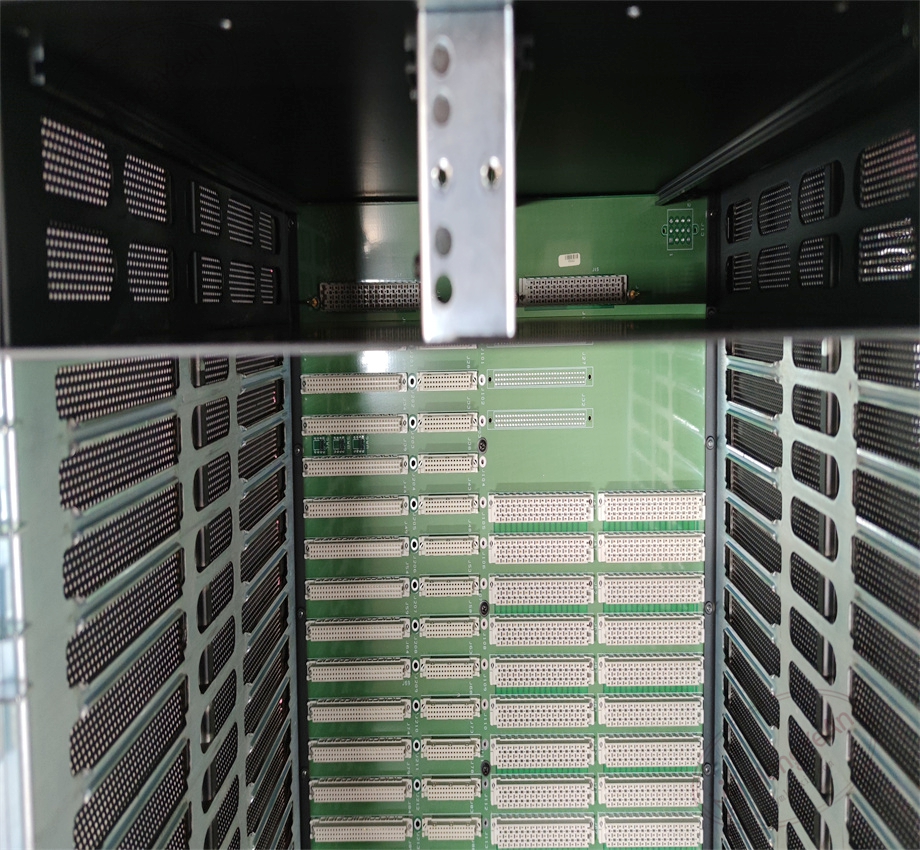
- Slot layout: Multiple logical slots for TMR I/O modules and one dedicated slot for remote fiber expansion module (RXM). No processor slot inside this chassis. Integrated TriBus backplane supports three-leg synchronous data transmission.
- Backplane features: The built-in backplane adopts triple redundant signal paths. Mechanical keying design prevents wrong module installation and reverse insertion. It transmits I/O sampling data and diagnostic signals to the main rack via fiber links.
- Power arrangement: Reserved mounting positions for redundant power supply units. Backplane distributes 20–32VDC power to all inserted I/O and communication modules, with built-in power filtering to suppress electrical noise.
- System compatibility: Fits classic Tricon v9~v11 systems. Works together with main chassis such as 8110. It cannot run independently without connection to the main rack, and is not compatible with Tricon CX platform.
- Environmental specs: Operating temperature -40℃ ~ +70℃; storage temperature -40℃ ~ +85℃; relative humidity 5%–95% non-condensing. Cold rolled steel housing provides good shock and vibration resistance for field cabinet installation.
- Installation reminder: The chassis itself is a passive mechanical carrier. After module installation, firmware versions of all cards in the remote rack must match the main rack. Version mismatch triggers fiber handshake failure or TriBus sync error.
Hardware Features
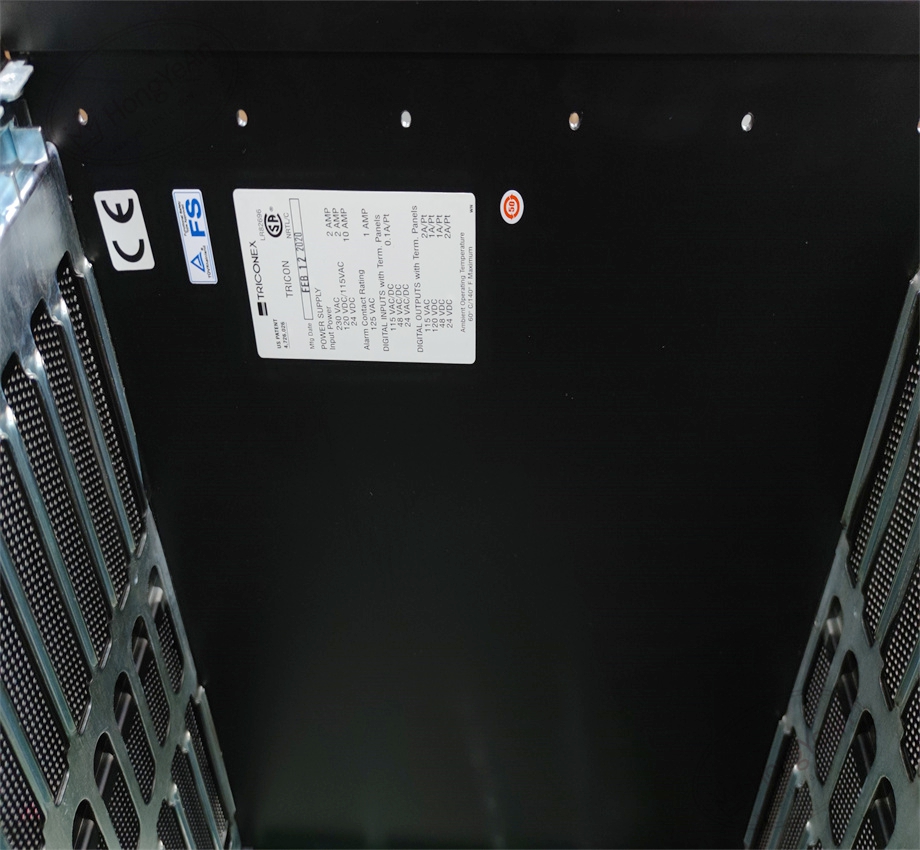
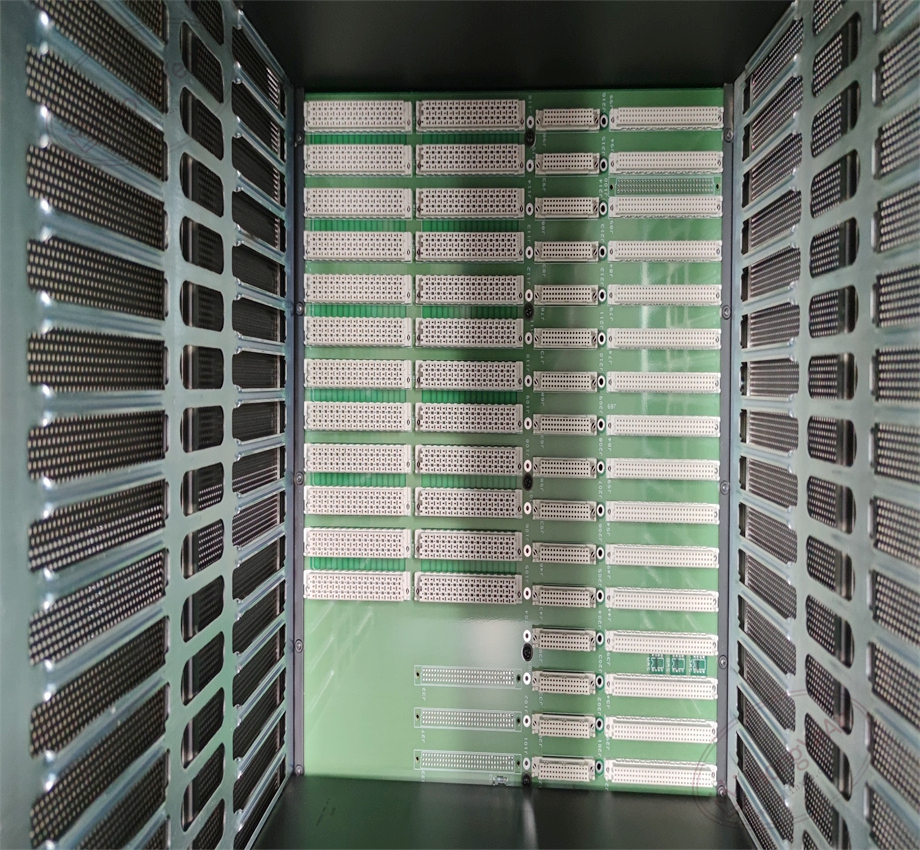
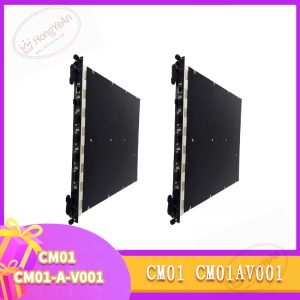
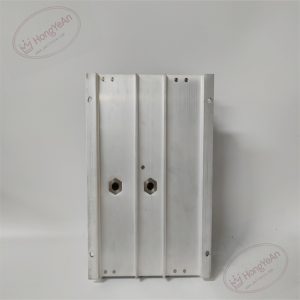
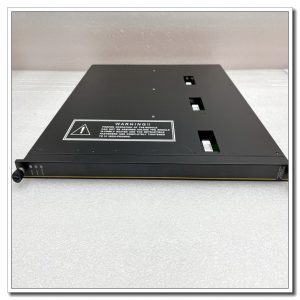
It is a metal 19-inch standard rack with integrated TriBus backplane. The front side is for module insertion, each slot has dedicated mechanical key. Vents are arranged on top and bottom for heat dissipation. No field signal terminals on chassis. The model number is printed on the side panel of metal housing.
Application Scenarios
This remote expansion chassis is widely used for ESD emergency shutdown, fire & gas monitoring and turbomachinery protection systems in petrochemical plants, refineries, gas compressor stations, thermal power plants and offshore platforms. When field instrument points are far away from the main SIS cabinet, 8112 remote rack can be placed close to the field instruments. Shortens copper instrument cables, reduces signal attenuation and electromagnetic interference. Fiber optical isolation eliminates ground potential difference between separated cabinets.
Maintenance Tip: This is safety-critical I/O carrier hardware. If the whole rack fails, all I/O signals in this remote station will be lost, and corresponding safety loops will enter predefined safe state. Daily maintenance needs to inspect ventilation, dust accumulation and backplane contact condition.
Maintenance & Operation Guidelines
- Wear anti-static wristband before opening cabinet or plugging modules. Never touch backplane gold fingers directly. Keep metal debris out of the chassis.
- Keep cabinet ventilation smooth. Clean dust inside the rack periodically. Heavy dust will cause poor contact and intermittent communication faults. Prevent liquid and corrosive gas from entering the cabinet.
- Install modules into the correct keyed slots. After hardware assembly, configure remote rack address, test fiber link connectivity. Verify all remote I/O data uploads normally, and check system logs for leg mismatch and TriBus alarms.
- Keep backup copies of project configuration and firmware files. Do not repair backplane circuits on site. Replace the entire chassis assembly once backplane suffers permanent damage.
Common Troubleshooting
- All modules in remote rack show fault alarms: Check rack power supply, inspect backplane dust and oxidation, verify fiber link status.
- Remote rack fails to synchronize with main chassis: Confirm RXM module firmware, rack address configuration and fiber quality.
- Intermittent loss of remote I/O data: Inspect module seating, cabinet temperature and fiber connector contamination.
- Module cannot be inserted smoothly: Check slot mechanical key, confirm module model matches chassis requirement.
- Overheating warning: Inspect cabinet filter and ventilation channel for blockage.
Reviews
There are no reviews yet.