Description
Detailed Specifications
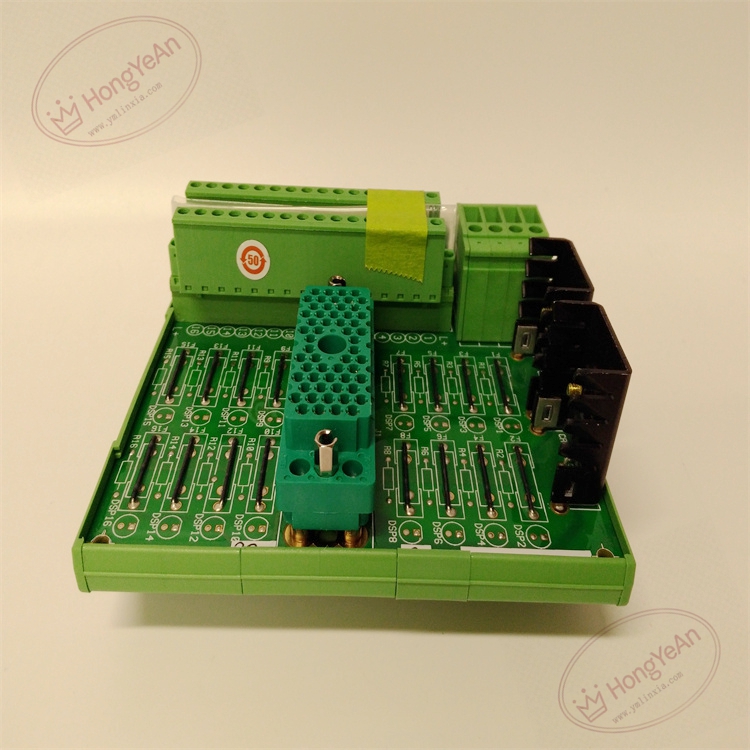
- Channel setup: 16 commoned digital output points, rated for 24VDC working environment. Equipped with shared PWR+ / PWR- power terminals.
- Module matching: Compatible with Tricon DO modules 3624,3625,3664,3674. Designed exclusively for self-protected output cards. Connects to I/O module via dedicated flat ribbon cable.
- Wiring specification: Screw terminal blocks, supports wire gauge from 14AWG to 22AWG, suitable for solid or stranded copper wires.
- System compatibility: Fits classic Tricon v9~v10 platform. It is a passive DIN rail mounted panel without backplane gold fingers and cannot be inserted into rack slots. Not compatible with Tricon CX.
- Environmental specs: Operating temperature -40℃ ~ +70℃; storage temperature -40℃ ~ +85℃; relative humidity 5%–95% non-condensing. The plastic housing offers shock and vibration resistance for cabinet installation.
- Installation reminder: This termination board is passive hardware without logic chip. Before commissioning, verify ribbon cable integrity and confirm the panel matches the corresponding DO module.
Hardware Features
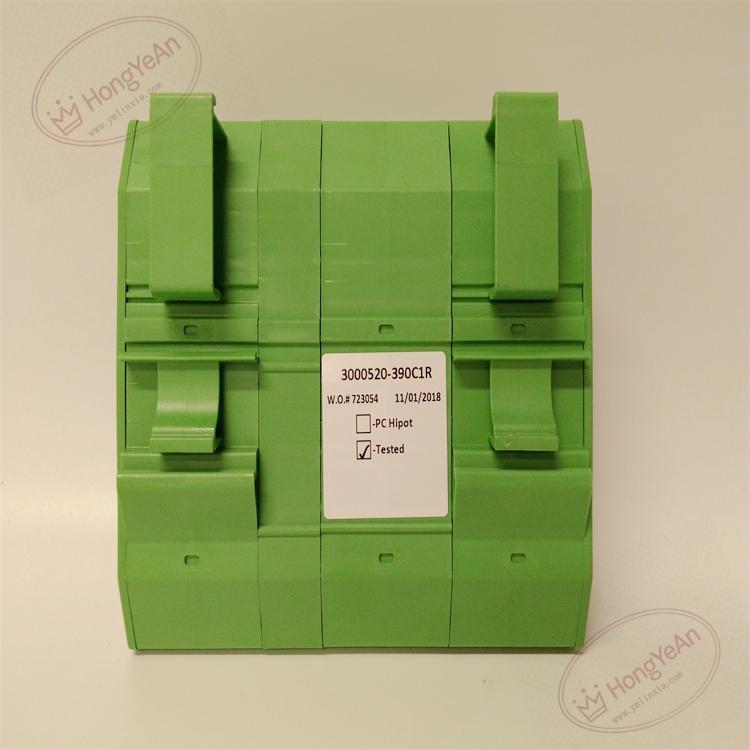
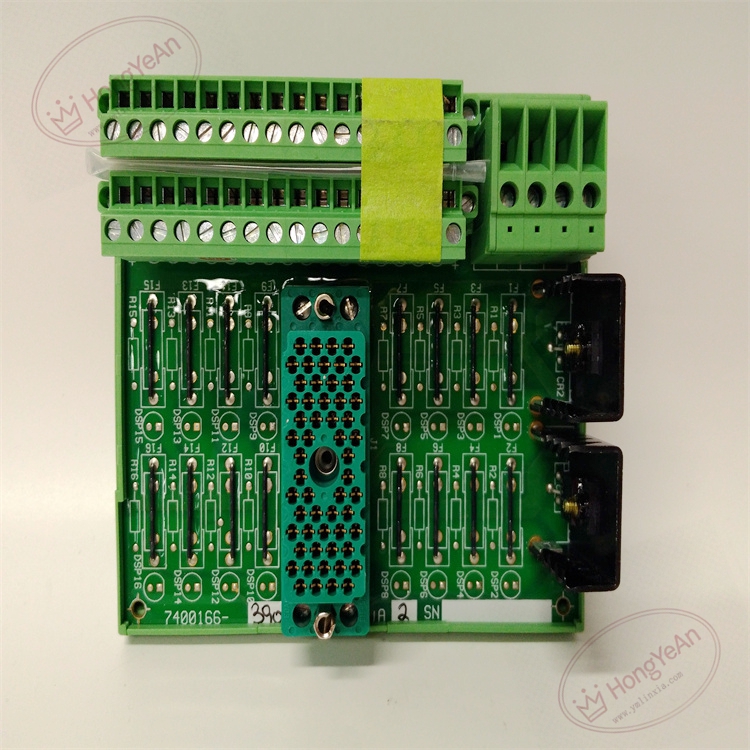
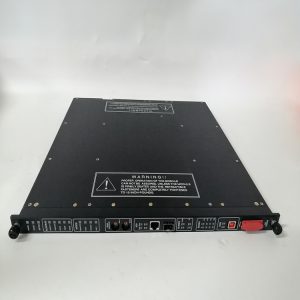
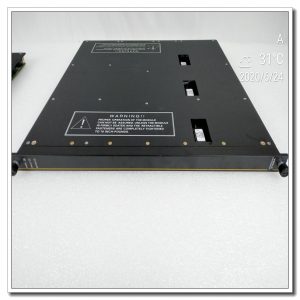
DIN rail mount PCB assembly enclosed by green plastic housing. The front side is fitted with screw terminal blocks for field actuator wiring. Dedicated multi-pin connector on board for ribbon cable to link with Tricon output module. Pre-printed channel number labels are supplied. Model number is marked on the housing surface.
Application Scenarios
This digital output termination panel is widely deployed in ESD emergency shutdown, burner management, turbomachinery protection and fire & gas safety systems for petrochemical plants, refineries, gas compressor stations, thermal power plants and offshore platforms. It transmits control commands from SIS output modules to field solenoid valves and safety relays. Built-in protection can prevent field short-circuit from damaging Tricon DO cards.
Maintenance Tip: This is safety-related signal marshaling hardware. Single channel short circuit will trigger diagnostic alarm while other output channels remain functional. Daily maintenance should check terminal tightness and cable insulation status.
Maintenance & Operation Guidelines
- Wear anti-static wristband before modifying wiring. Cut off 24VDC field power supply before touching terminals to avoid surge damage.
- Maintain cabinet cleanliness. Dust accumulation on terminals may cause intermittent output failure. Prevent corrosive vapor and liquid from touching PCB and terminal blocks.
- Complete wiring and connect the panel to Tricon DO module by matching ribbon cable. Run point-by-point output simulation test, confirm field actuators respond correctly and check system diagnostic logs.
- Keep spare panels of identical model. Do not modify internal circuit components on site; replace the whole panel once PCB suffers permanent damage.
Common Troubleshooting
- Field actuator fails to actuate: Check 24VDC loop power, terminal looseness, ribbon cable connection and module channel diagnostics.
- Intermittent output action loss: Inspect terminal oxidation, cabinet vibration and cable insulation aging.
- Multiple channels no output: Verify shared common power terminal connection condition.
- Abnormal diagnostic alarm after panel replacement: Confirm panel matches DO module model and inspect ribbon cable.
- Short circuit alarm: Check field cable insulation breakdown or actuator coil short circuit.
Reviews
There are no reviews yet.