Description
Full Technical Details
- Interface definition: DB9 female RS232 port on one side; terminal block for RS422 / RS485 two-wire or four-wire connection on the other side
- Isolation: Opto-electrical isolation design to block ground loop current and reduce noise interference between host side and field bus
- Baud rate range: 300 bps ~ 115200 bps, supports common serial data formats including 7/8 data bits, 1/2 stop bits and parity selection
- Transmission distance: Up to 1200 meters at low baud rate for RS485 multi-drop bus network
- Power requirement: Self-powered from RS232 control signal lines (DTR/RTS). In most field scenarios, no separate external 24V power source is needed.
- Compatible device: Works with Tricon Trident CIM communication interface cards, used to connect SIS to Modbus RTU field instruments.
- Environmental specs: Operating temperature -40℃ ~ +70℃; storage -40℃ ~ +85℃; relative humidity 5%–95% non-condensing, IP20 for cabinet installation.
- Installation guidelines: Mount inside control cabinet. Separate serial signal cables from high-current power cables. Twisted shielded cable is required for RS485 bus. Terminating resistors should be fitted at the two physical endpoints of the bus.
Hardware Description
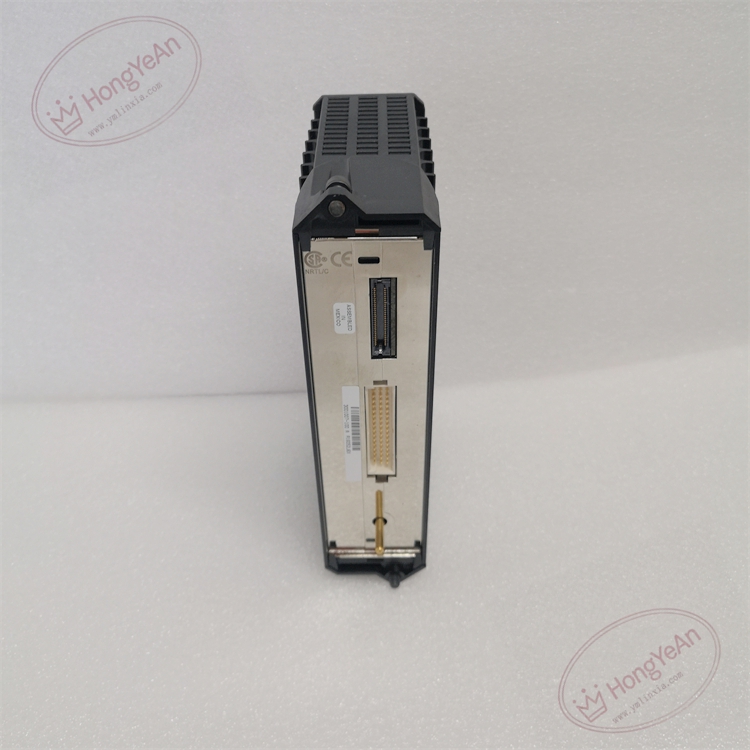
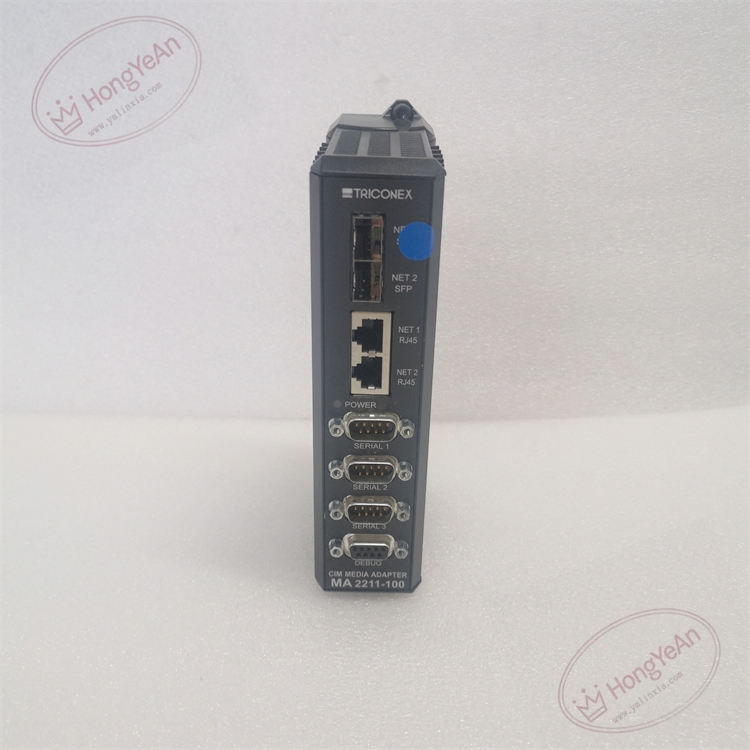
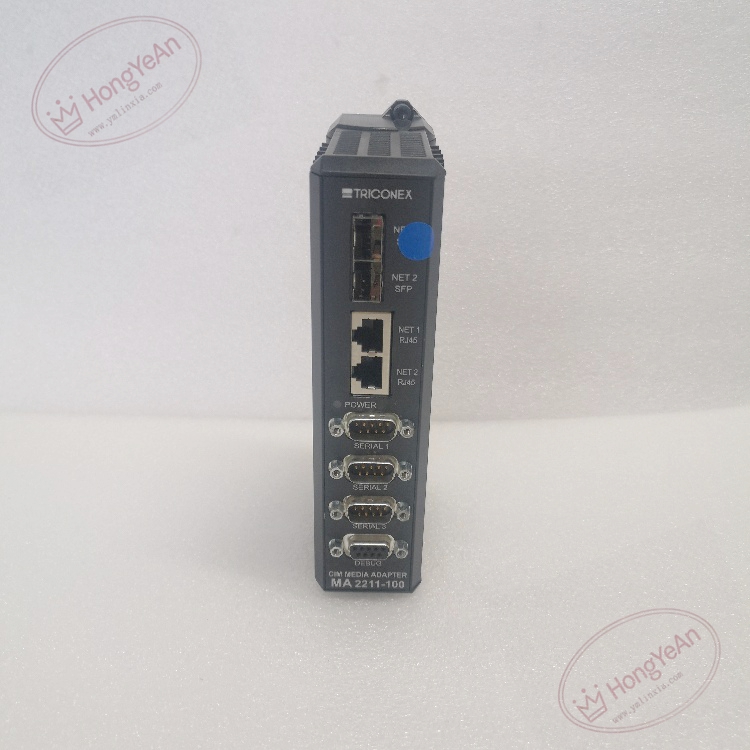
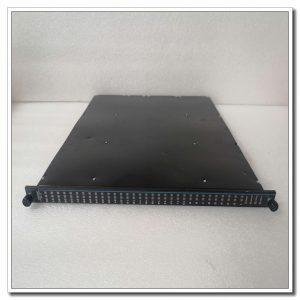
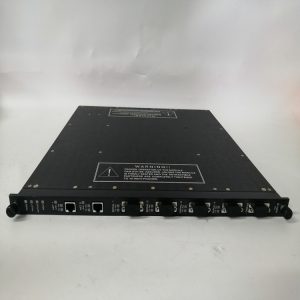
Compact black metal enclosure with label printed with part number MA2211-100. Front panel fitted with DB9 connector and status LEDs for power and data activity. Screw terminals for RS422/485 bus wiring. Internal optocoupler isolation circuit, automatic direction control chip without manual transceiver switching.
Practical Deployment
Commonly used in petrochemical plants, refineries, gas compressor stations, power plants and offshore platforms. It extends serial communication links of Tricon safety instrument systems. It allows SIS to communicate with Modbus RTU transmitters, vibration monitors and auxiliary controllers over long-distance field buses. The galvanic isolation protects the main CIM card from surge and ground potential difference damage.
Maintenance Points
This passive signal conversion device has built-in signal status indicators. Loss of bus communication or data garbling usually relates to wiring, termination resistor or grounding issues.
- Wear anti-static wristband before wiring work. Check bus polarity carefully before energizing the serial network.
- Inspect LED status during routine site inspection, verify cable sheath integrity and tightness of terminal screws.
- After replacement or re-wiring, test data read-write stability and check communication heartbeat in SIS engineering software.
- Keep spare adapters on hand. Replace the whole unit once internal isolation circuits are damaged; component-level repair is not recommended on site.
Troubleshooting Guide
- No serial data exchange: Check RS485 bus polarity, verify DB9 pin assignment, confirm enough signal power from RS232 port.
- Garbled or unstable data: Check baud rate matching, missing bus terminating resistor, poor shield grounding and EMI interference.
- Partial slave devices offline: Inspect bus topology, excessive branch taps and signal attenuation over long cable runs.
- Communication failure after adapter replacement: Confirm correct wiring between RS485 A/B lines and field instruments, match serial parameters in software.
- LED not lit: Verify DTR/RTS signal state from CIM serial port.
Reviews
There are no reviews yet.