Description
Full Technical Parameters
- Model: T8830
- Physical port: 1 DB9 female connector
- Signal standard: Software selectable RS232 or RS485, no hardware jumper required
- Baud rate range: 300 bps up to 115200 bps
- Data format: Configurable data bits, stop bits and parity settings
- Supported protocols: TriStation 1131 proprietary protocol, Modbus RTU slave mode (read-only)
- Power supply: Powered by rack backplane
- System compatibility: ICS Triplex T8800 TMR safety instrumented system. Not compatible with classic Tricon v9/v11 or Tricon CX.
- Operating temperature: -20℃ ~ +70℃; storage temperature: -40℃ ~ +85℃
- Humidity: 5%–95% non-condensing relative humidity
- Protection rating: IP20, designed for cabinet installation only
- Status indicators: Power, transmit/receive activity and module fault LEDs on front panel
- Installation notes: Route serial cable separately from high-current power wiring. Set communication parameters in engineering software before commissioning. Use shielded twisted-pair cables for RS485 bus, single-point shield grounding is required. Hot-swap operation is supported, but relevant communication channels should be taken offline before replacement.
Physical Attributes
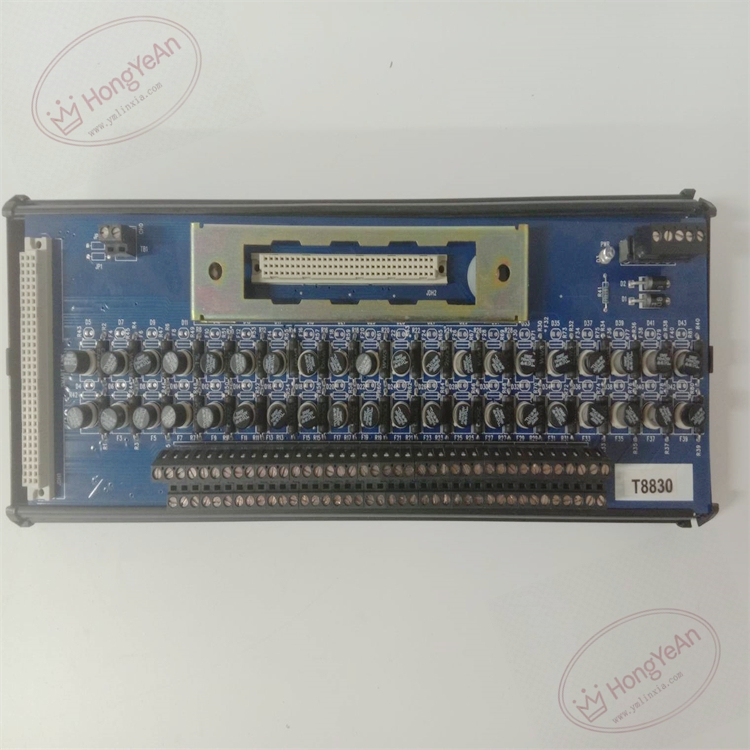
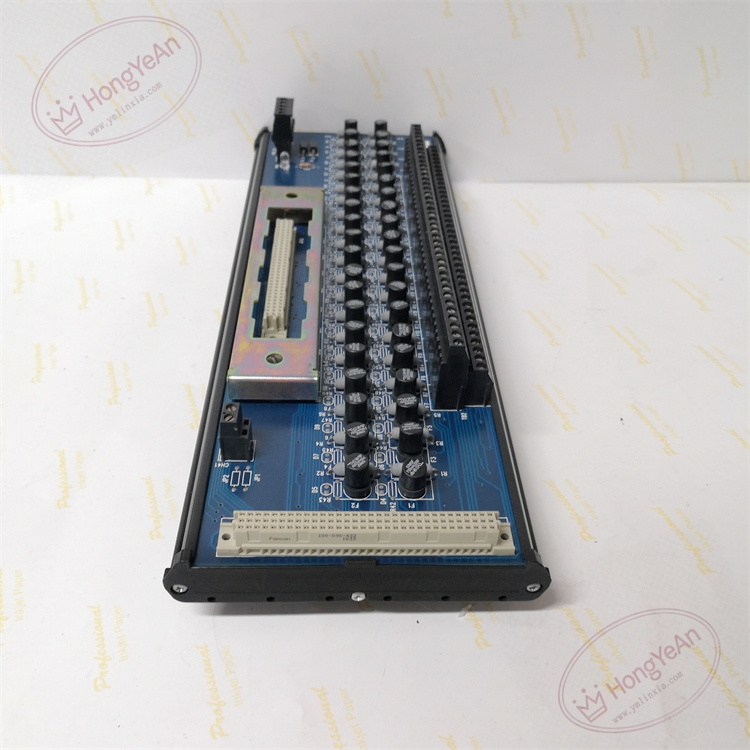
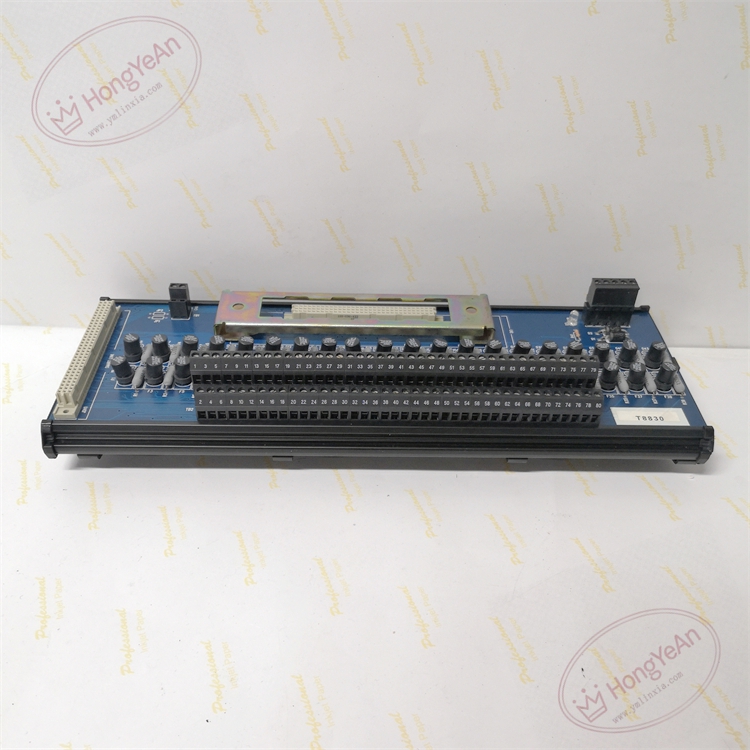
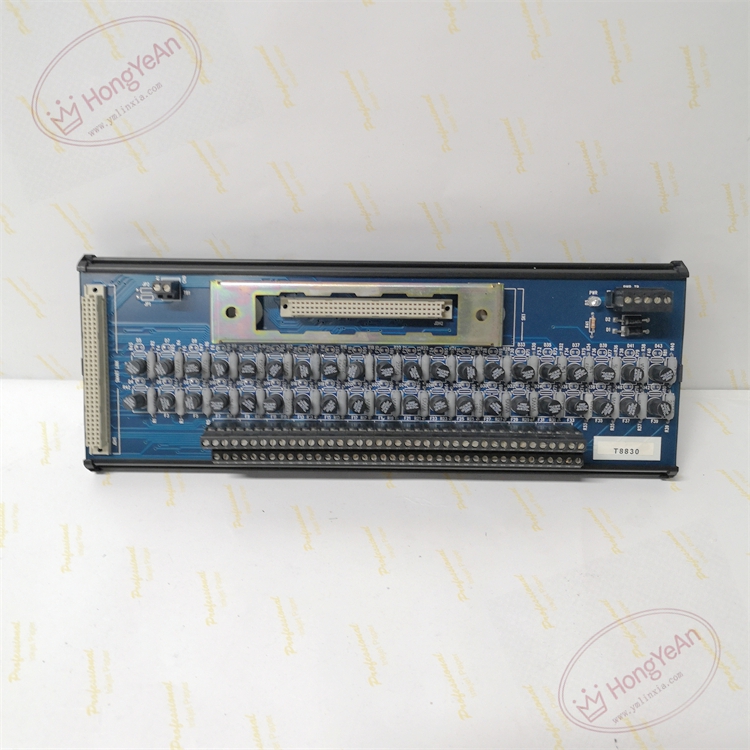
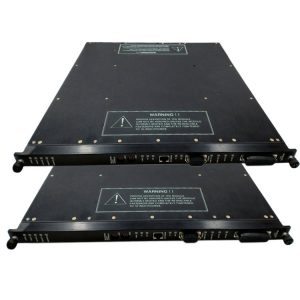
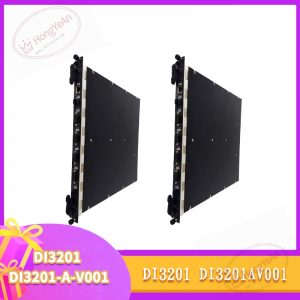
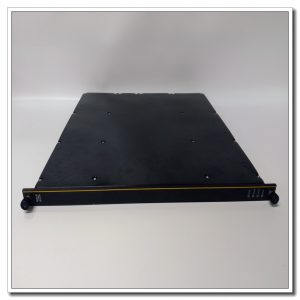
Metal front panel equipped with LED status indicators and DB9 serial connector. Gold-plated edge connectors for rack backplane connection. Internal circuit for serial protocol conversion and signal isolation. Product label with part number printed on the card housing.
Field Application
This communication card is widely used in petrochemical complexes, oil refineries, gas compressor stations, thermal power plants and offshore platforms. It works with ESD emergency shutdown, burner management and turbine protection safety loops. It enables connection between the T8800 safety controller and engineering workstation for logic download, online diagnosis and system maintenance. It can also read data from field Modbus RTU instruments and transmit status information to upper-level control systems.
Maintenance Instructions
Continuous self-diagnosis monitors port link failure and communication abnormality.
- Anti-static wristband is mandatory when handling the module.
- Check LED indicators and communication heartbeat during regular inspection.
- After module replacement, verify serial parameter configuration and carry out data reading test.
- Store spare modules of identical model. Replace the whole card once hardware damage occurs; component-level repair on site is forbidden.
Troubleshooting Reference
- No serial connection: Check DB9 connector locking status, verify cable continuity and matching communication parameters.
- Garbled or unstable data: Inspect baud rate and parity setup, shield grounding quality and electromagnetic interference.
- Intermittent communication dropout: Check cable routing, vibration-induced loose contacts and bus terminal resistor setting.
- Communication error after card replacement: Confirm firmware version, download correct configuration and check pin assignment.
- Fault LED lit: Inspect rack backplane power supply and module seating, run hardware self-test.
Reviews
There are no reviews yet.