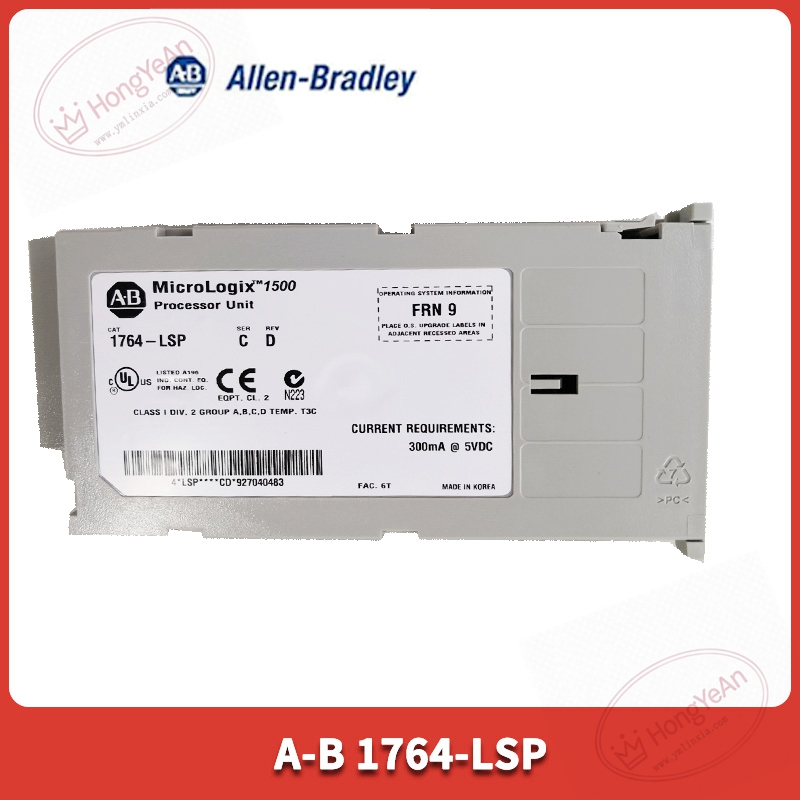
Description
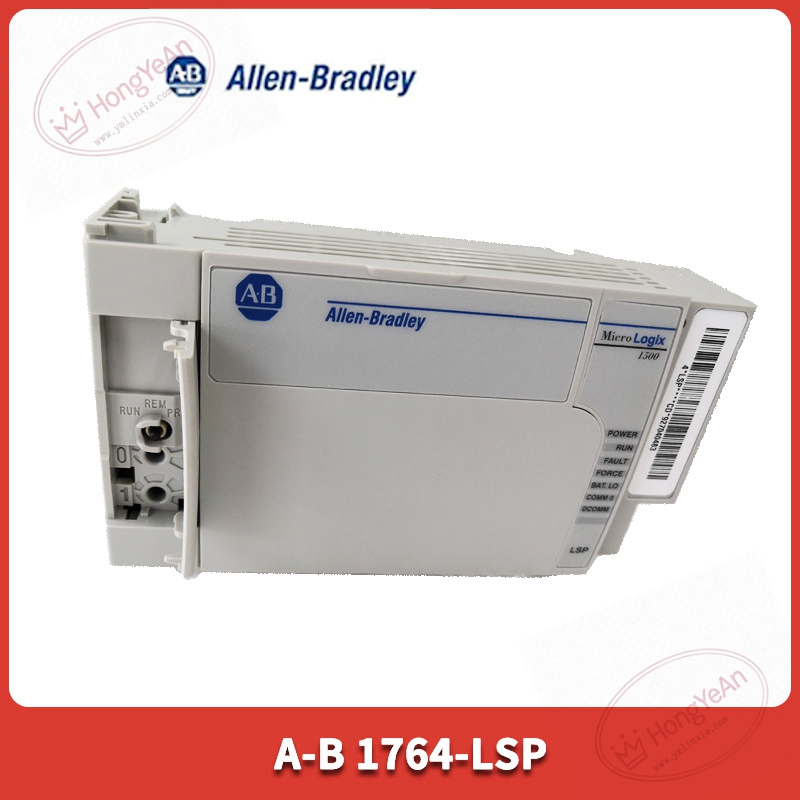
Key Technical Parameters
Matching hardware: Must cooperate with 1764‑xxBXB base unit, cannot work standalone User memory: 12K words program and data memory Instruction performance: Typical bit instruction execution time 0.5 μs Max I/O capacity: 256 discrete I/O points, supports 1769 expansion I/O modules Communication: Channel 0 RS‑232 interface, supports DF1, DH‑485 protocol Programming software: RSLogix 500 Status indicator: RUN, FAULT, BATT LED indicator Retentive data: Powered by replaceable lithium battery, protects recipe and counter data after power‑off Operating environment: 0‑55 ℃ cabinet‑mount installation, non‑condensing Note: No built‑in I/O, all field signals are provided by base unit and expansion modules
Practical Application Features
Compact processor for small‑scale discrete control, suitable for packaging machines, conveying equipment and small‑process skids. Supports high‑speed counter, PWM pulse output instruction, cooperates with base‑board hardware to realize simple motion control. Online input/output force function facilitates equipment debugging without modifying field wiring. System status registers store fault codes, convenient for on‑site fault diagnosis. Battery‑backed memory retains production parameters when main power supply is lost.
Field Installation & Commissioning Guidance
Power off base unit power supply before plugging the processor, insert into dedicated slot and lock the latch. Install supporting lithium battery, pay attention to battery polarity to avoid data loss. Complete hardware configuration in RSLogix 500, select corresponding base‑unit and expansion‑module model. Set serial‑port communication parameters according to connected HMI or serial devices. Download ladder‑logic program, clear fault bit and switch controller into RUN state. Replace lithium battery within power‑off short‑time window to prevent loss of retentive data. Keep installation position away from frequency converters and high‑power cables, guarantee cabinet grounding.
In‑Site Troubleshooting Reference
- Red BATT LED on: Lithium‑battery aging, replace qualified spare battery.
- Constant FAULT red light: Program corruption, firmware mismatch, or processor internal damage; re‑download valid program.
- FAULT LED flashes intermittently: Read fault‑code from system register, check I/O configuration mismatch or program logic error.
- RS‑232 communication cannot connect: Wrong communication parameter, cable damage or terminal loose contact.
- Data lost after power‑off: Battery missing, reversed polarity or battery fully expired.
- Unable to switch to RUN mode: Uncleared major fault bit, eliminate program error first.


Reviews
There are no reviews yet.