Description
Core performance features
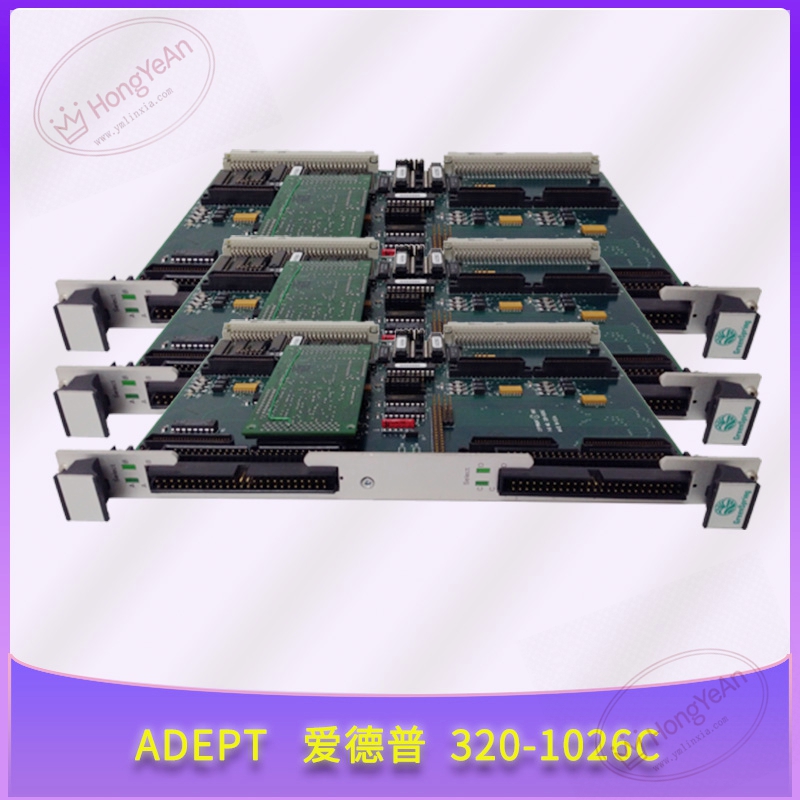
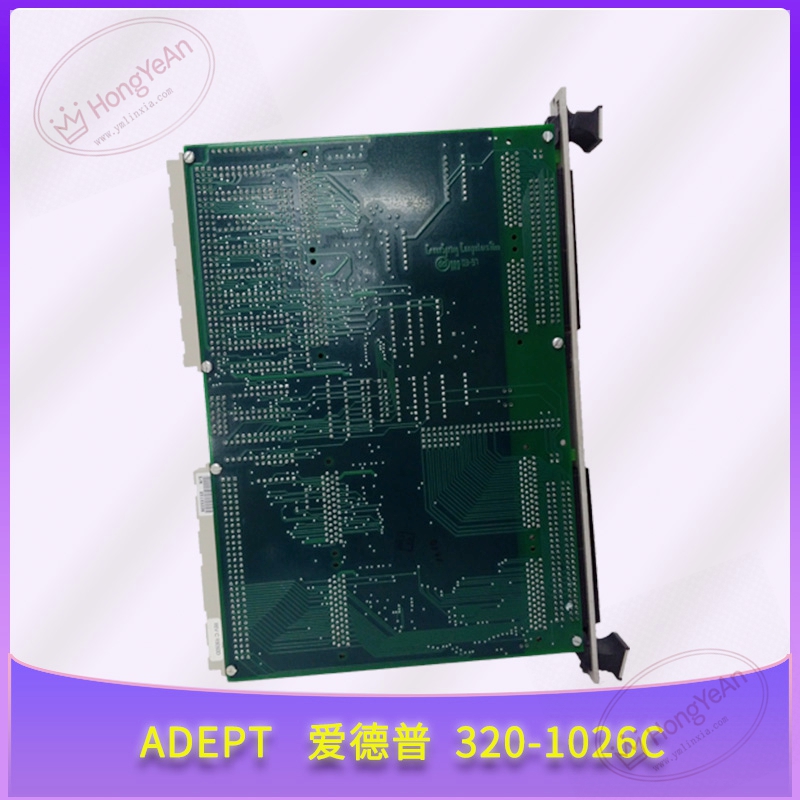
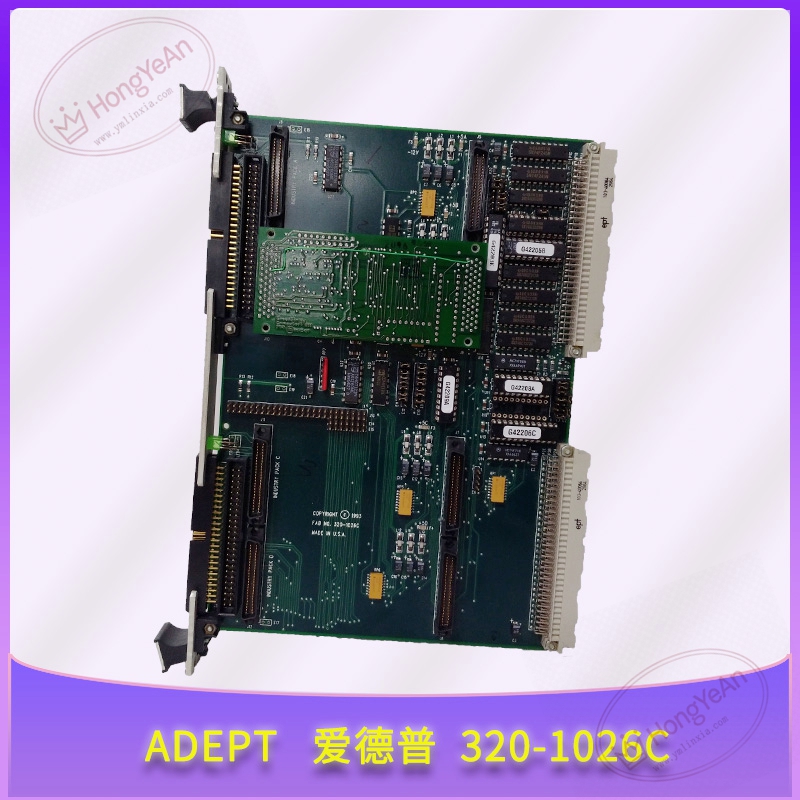
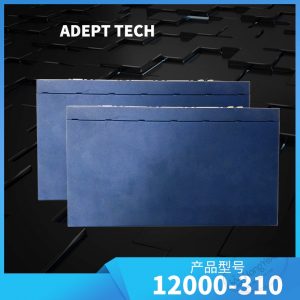
This circuit board is installed inside robot control cabinet, connected to servo drive units and peripheral I/O modules via internal connectors. It executes multi‑axis motion planning algorithm, outputs motion commands to each servo drive, and receives position feedback data from robot joints. Non‑volatile memory holds user robot programs, tool parameters and historical fault information. LED indicator lights reflect power supply status, program running state and internal hardware errors. Built‑in hardware watchdog circuit triggers safety interlock when program runs abnormally. Power supply comes from cabinet internal auxiliary power. Operating temperature 0℃‑50℃, IP20, for cabinet‑only usage. Different firmware versions correspond to different robot host models.
On‑site application scenarios
Applied in Adept robot control cabinets for assembly lines, material handling and automated packaging stations. It undertakes core computing tasks for robot multi‑axis coordinated motion. When board hardware is damaged, robot cannot perform normal jog and automatic cycle operation. It is a key maintenance spare for production‑line robot overhaul. After replacement, users need to restore backup robot program, mechanical parameter and tool offset data, and complete robot home‑position calibration before formal production operation.
Installation & operating notes
Cut off robot cabinet total power before disassembly and installation. Live plug‑in is forbidden, static electricity may damage onboard chips. Check internal connectors for bent pins, dust and oxidation before installation. Ensure each flat cable is fully fastened. Save complete robot program and mechanical parameter backup before swapping hardware. After replacement, verify firmware compatibility, download parameters and perform homing test. Keep cabinet ventilation well. Dust accumulation will accelerate component aging. Do not carry out component‑level repair on‑site. Replace whole board when permanent hardware failure occurs.
Common field phenomena & disposal thoughts
- Power‑on with all indicators off: Check cabinet internal auxiliary power supply. Inspect main connector contact condition. If power input is normal, board internal damage is suspected.
- Robot cannot jog or run automatic program: Check communication link between main board and servo drives. Confirm robot safety loop signal status. Verify program and mechanical parameter integrity.
- Random alarm and stop during robot movement: Check cabinet ambient temperature. Inspect connector fastening status. Read internal fault log to judge anomaly source.
- Fail to connect with robot programming software: Check communication cable. Confirm software version matches board firmware. Eliminate network interference.
Reviews
There are no reviews yet.