Description
Technical highlights
Supports PROFIBUS‑DP V0 cyclic data exchange and DPV1 acyclic parameter reading/writing. Maximum 125 slave nodes with repeater expansion, baud‑rate range 9.6 kbit/s‑12 Mbit/s. Power is supplied via Quantum rack backplane. Supports Unity Pro hot‑standby redundancy function. Configuration is completed by ProSoft Configuration Builder software. Data interaction with Quantum controller relies on backplane memory mapping. Operating ambient: 0℃ ~ +55℃; storage‑40℃ ~ +85℃; humidity 5‑95% non‑condensing; IP20 cabinet‑mount only. Compatibility note: Only fits Modicon Quantum rack slot. Matches Unity Pro or Concept programming software. Incorrect configuration file will trigger bus communication failure.
Physical features
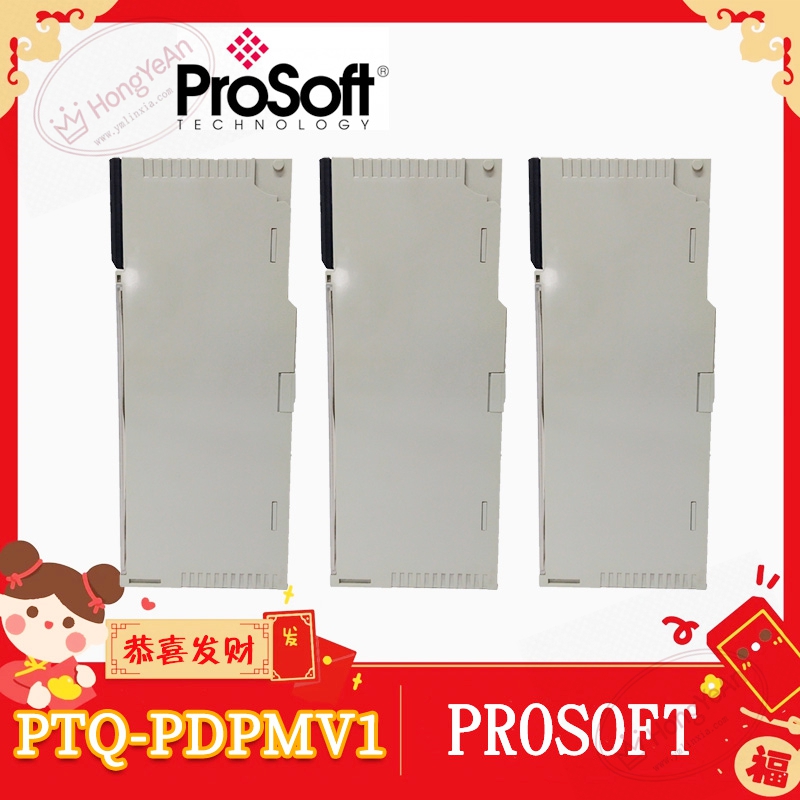
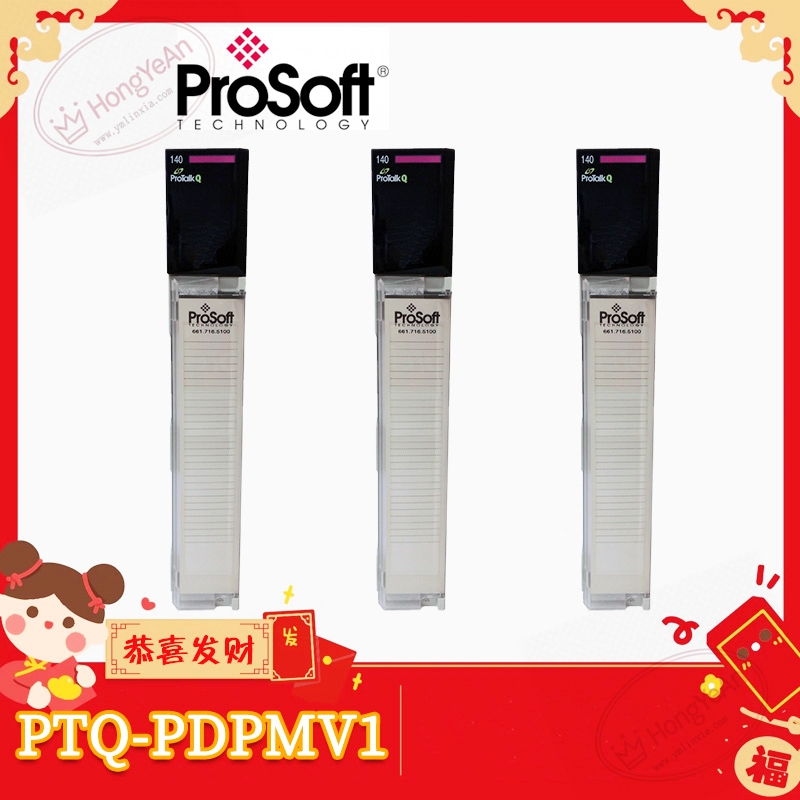
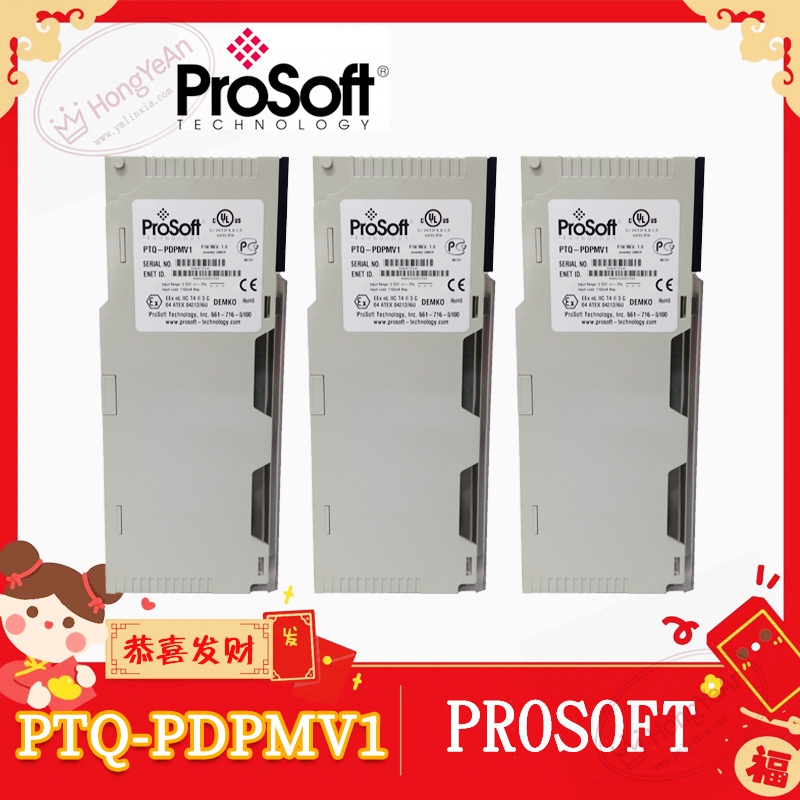
Standard Quantum single‑slot plug‑in module. Front panel is equipped with multi‑group LED status indicators for module health, backplane communication and bus fault. D‑Sub 9‑pin female connector for PROFIBUS‑DP field wiring. Rear gold‑plated connector docks to Quantum rack backplane for power and internal bus transmission. Part‑number PTQ‑PDPMV1 is printed on module nameplate. PCB adopts conformal‑coated treatment for dust‑proof performance in factory cabinet surroundings.
Site application scenario
Commonly deployed in chemical, power‑plant and manufacturing Quantum automation racks. It connects Schneider Quantum PLC to PROFIBUS‑DP slave field equipment. Module failure will cut off the whole PROFIBUS‑DP segment communication, all slave devices lose data interaction. After replacement, insert module into target rack slot, complete hardware recognition within Quantum project, download matching PCB configuration file, set PROFIBUS baud‑rate and slave list, verify each slave online status before commissioning.
Installation & maintenance notes
Power off rack before module swap, anti‑static protection is mandatory during handling. Avoid scratching rear backplane connector pins. Use standard shielded PROFIBUS‑DP cable. Termination resistors shall be fitted at both ends of bus segment. Keep fieldbus cables separated from high‑power cables to restrain electromagnetic interference. Backup configuration file and Quantum project archive before hardware replacement. On‑site component‑level repair is prohibited; replace complete module under permanent hardware damage.
Common site fault performances
- Partial or all PROFIBUS slaves offline: Check bus cable and termination resistor, verify baud‑rate setting and slave list configuration.
- Module application fault LED illuminates: Re‑download valid PCB configuration, check backplane contact quality.
- Intermittent slave drop‑out: Inspect cable shielding grounding, cabinet temperature and dust accumulation.
-
Data cannot exchange between module and Quantum CPU: Check memory mapping configuration and backplane communication status.
Reviews
There are no reviews yet.